Flows · Tracking and appointments
Running late.
When the ETA passes the appointment, tell the customer and ask the facility for a new time.
- The ETA passes the appointmentYour trackingor by hand
- 1Updates the load
Update a load
Your TMSby hand until connected - 2Tells the customer
Send an email


- 3Asks for a new appointment
Book an appointment
Your schedulingby hand until connected - 4A person signs off on the new time
Approve or decide
you approve - 5Puts the new time on the load
Update a load
Your TMSby hand until connected
Two steps are ours. Three are yours to connect.
Until your Visibility, Telematics and ELD, TMS and Scheduling are connected, those steps come to Actions with the load filled in. Do them, tap done, and the Flow carries on.
ETAs and tracking
Truck location and hours of service
Loads, stops, rates and tenders
Pickup and delivery appointments
Your customer and the dock hear you’re late before the appointment is missed.
Swap a partner, keep the Flow.
Each step takes any system of its kind. Change a system later and this Flow keeps running the same way. Want it different? Change any step, or build your own from the same tasks.
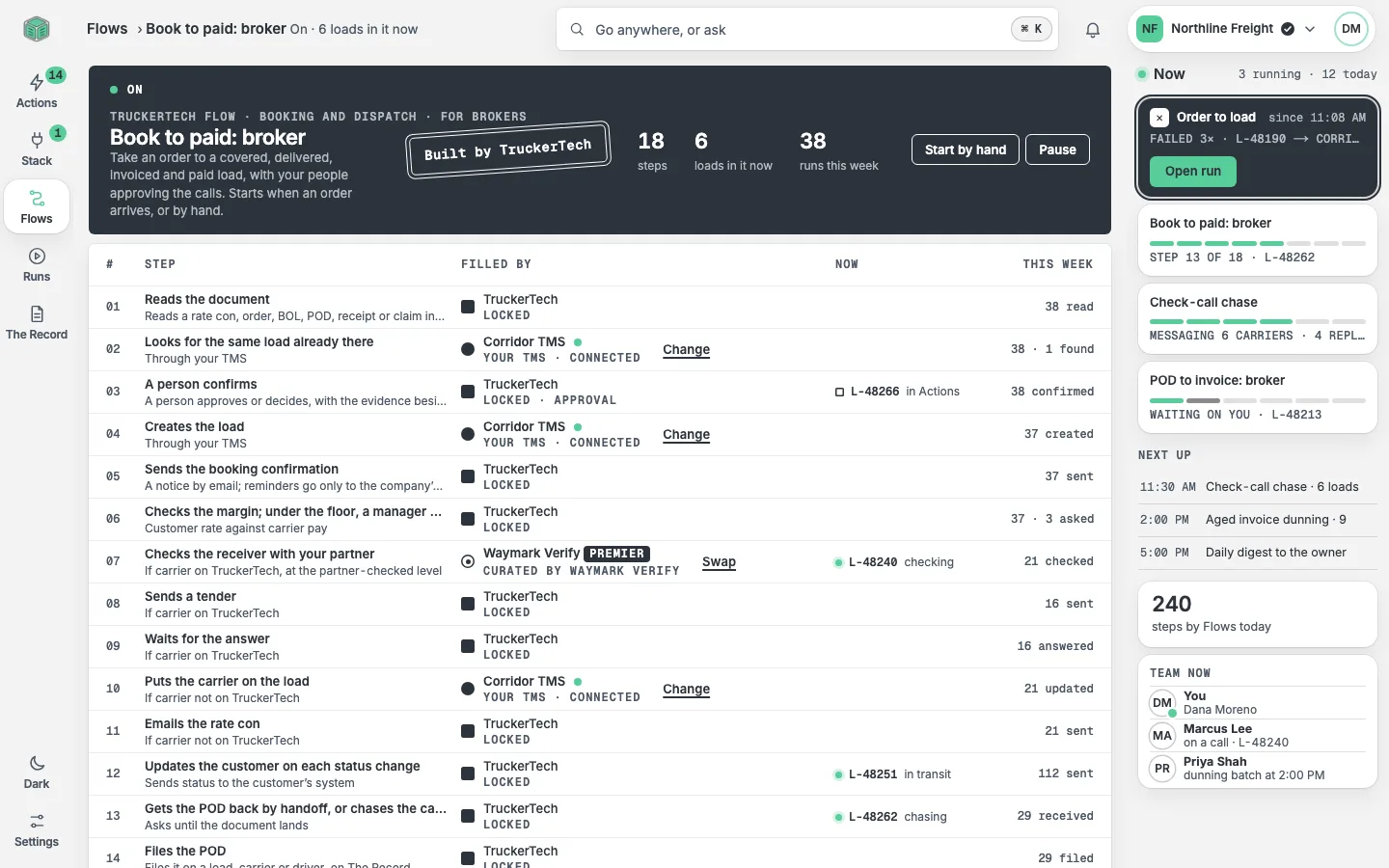
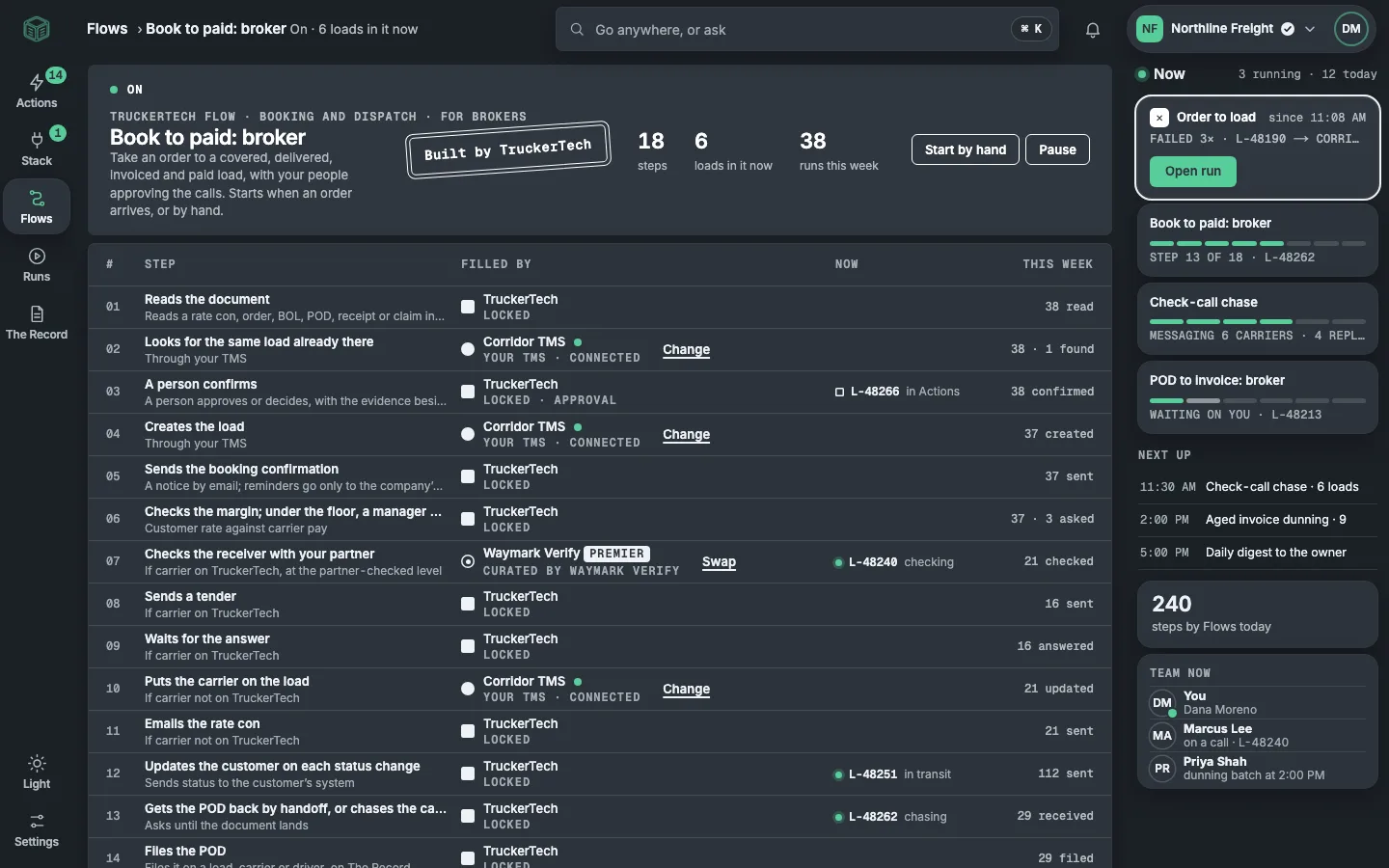
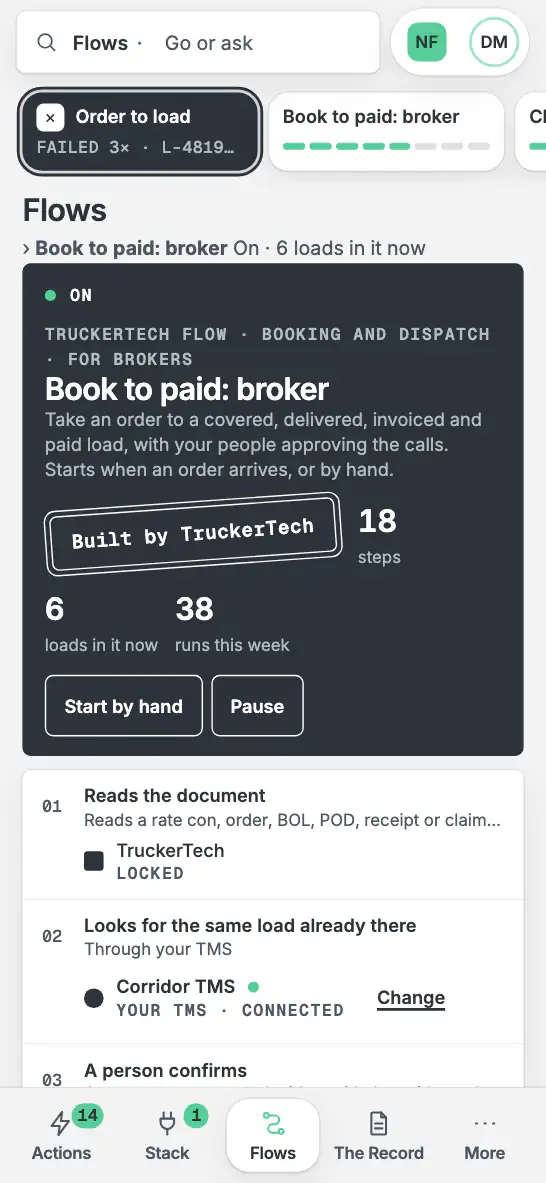
Example: Book to paid: broker, as the app shows a Flow