Day ZeroOpenSet up before launch.How Day Zero worksHow it works

Flows · Carriers and compliance

New carrier setup and screening.

Screen a new carrier first, then collect their packet and confirm the contact.

ForBrokers
StartsOn a carrier
Steps8, plus the start
What happens, in orderSteps
Built by TruckerTech
  1. On a carrier
    Starts it
  2. 1
    Reads FMCSA facts

    Read FMCSA facts

    TruckerTechTruckerTech
  3. 2
    Reads risk flags

    Read risk flags

    Your carrier check partnerby hand until connected
  4. 3
    Collects the packet

    Collect the onboarding packet, or update banking

    Your onboarding partnerby hand until connected
  5. 4
    Verifies the contact’s ID

    Verify a person’s ID

    TruckerTechTruckerTech
  6. 5
    Close calls go to a person

    Approve or decide

    TruckerTechTruckerTechyou approve
  7. 6
    Sets up the carrier

    Set up the carrier on TruckerTech

    TruckerTechTruckerTech
  8. 7
    Sets up the carrier in your TMS

    Set up the carrier in your TMS

    Your TMSby hand until connected
  9. 8
    Tells the carrier

    Send an email

    TruckerTechTruckerTech
Works on day one. Connect a partner and these steps run themselves.[5 of 8 automatic today]

Five steps are ours. Three are yours to connect.

Until your TMS, Carrier ID and Carrier onboarding are connected, those steps come to Actions with the load filled in. Do them, tap done, and the Flow carries on.

TMS

Loads, stops, rates and tenders

See who fills it
Carrier ID

A partner's risk signals on a carrier

See who fills it
Carrier onboarding

Carrier packets, insurance and authority

See who fills it
What you get

Every carrier gets checked the same way, and the record shows how.

Swap a partner, keep the Flow.

Each step takes any system of its kind. Change a system later and this Flow keeps running the same way. Want it different? Change any step, or build your own from the same tasks.
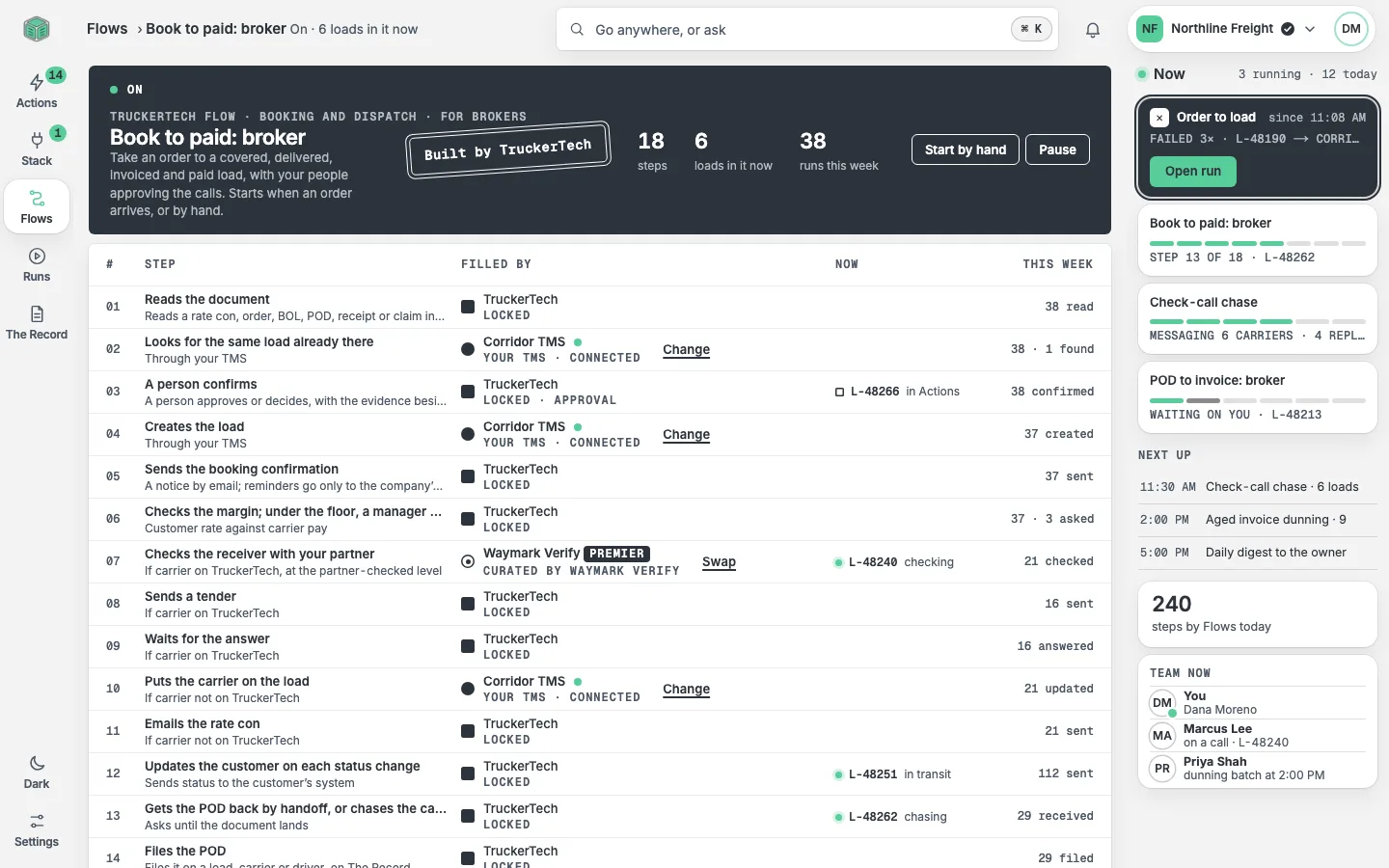
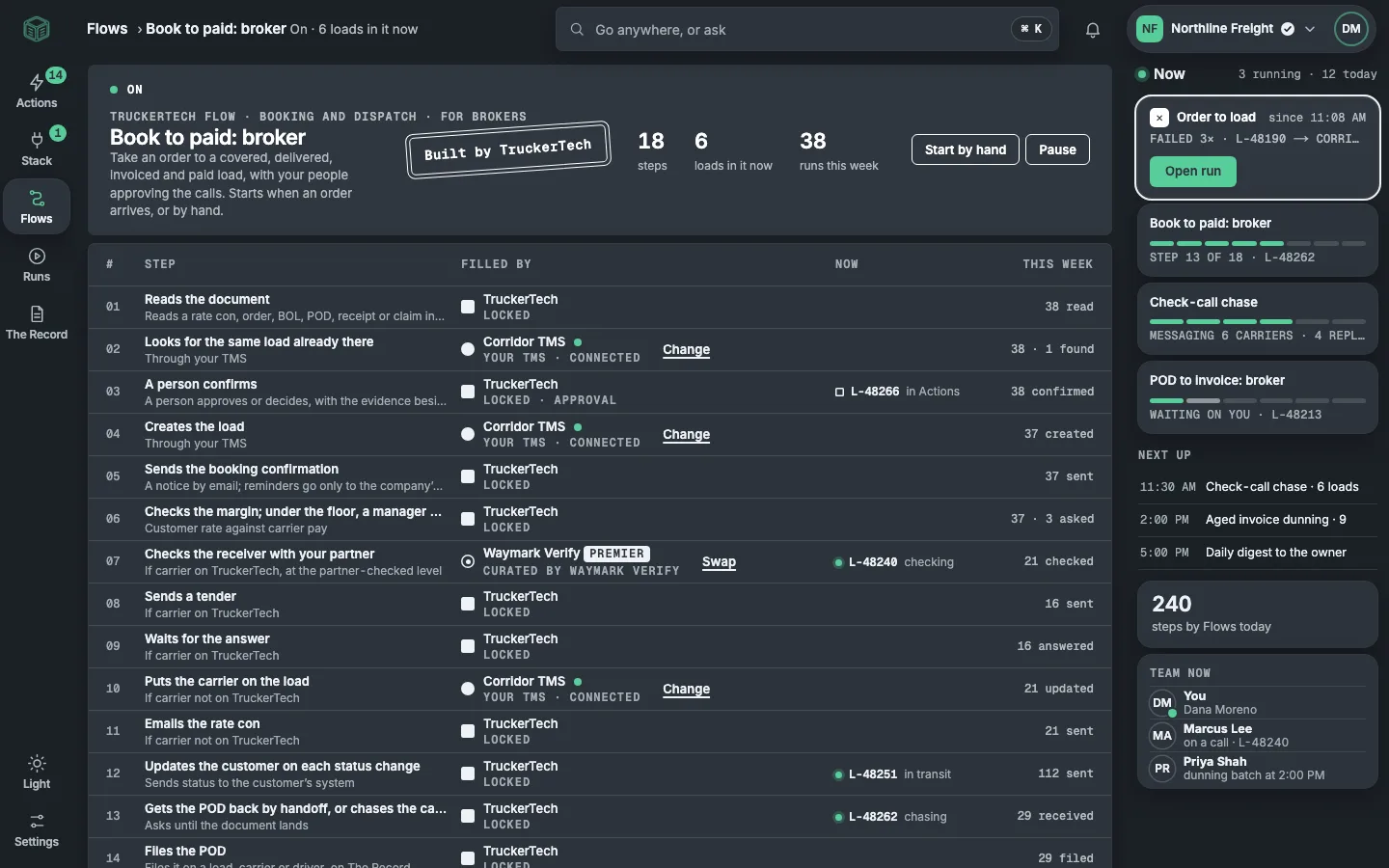
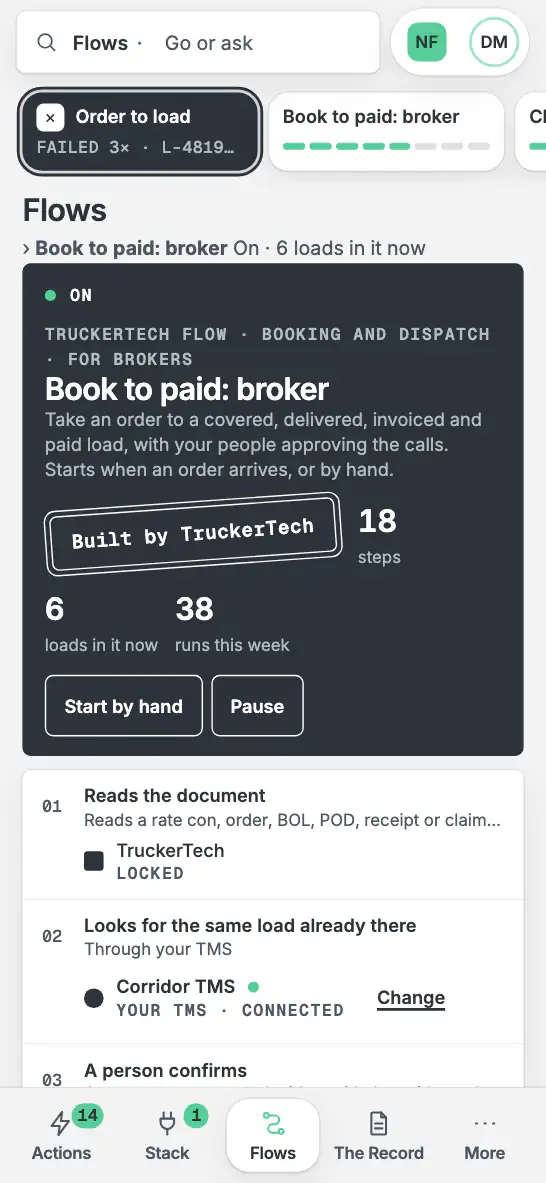
An example Flow in the TruckerTech app, Book to paid: broker: its steps as ruled rows, with who fills each oneAn example Flow in the TruckerTech app, Book to paid: broker: its steps as ruled rows, with who fills each one
One Flow on a narrow screen: its steps and who fills each one

Example: Book to paid: broker, as the app shows a Flow

Other Flows in this groupCarriers and compliance
01Carrier packet by RequestsNew carriers send their paperwork without the email chase.
02Insurance and authority watchYou hear about a lapse before your next load goes out on it.
03Carrier safety watchYou know a carrier’s record slipped before you book them again.
04Fraud check on every bookingEvery booking gets the same fraud check, and the record shows it.
05Compliance calendarFilings stop sneaking up on you.