Flows · Billing and payments
Payment change guard.
Flags a changed payee or bank detail and asks a person to confirm it by call-back before your own system pays.
What happens, in orderSteps
Built by TruckerTech
- An email asks for a remit-to change or brings an NOA, from Inbox triageStarts it
- 1Holds the payment change
Hold a payment change


- 2A person calls back the number on file
Call back the number on file
- 3Updates the banking; never TruckerTech
Collect the onboarding packet, or update banking
Your onboarding partnerby hand until connected - 4Records the confirmation
File a document
Works on day one. Connect a partner and these steps run themselves.[3 of 4 automatic today]
Three steps are ours. One is yours to connect.
Until your Carrier onboarding is connected, those steps come to Actions with the load filled in. Do them, tap done, and the Flow carries on.
Carrier onboarding
See who fills itCarrier packets, insurance and authority
What you get
A fake remit-to change gets stopped before you pay it.
Swap a partner, keep the Flow.
Each step takes any system of its kind. Change a system later and this Flow keeps running the same way. Want it different? Change any step, or build your own from the same tasks.
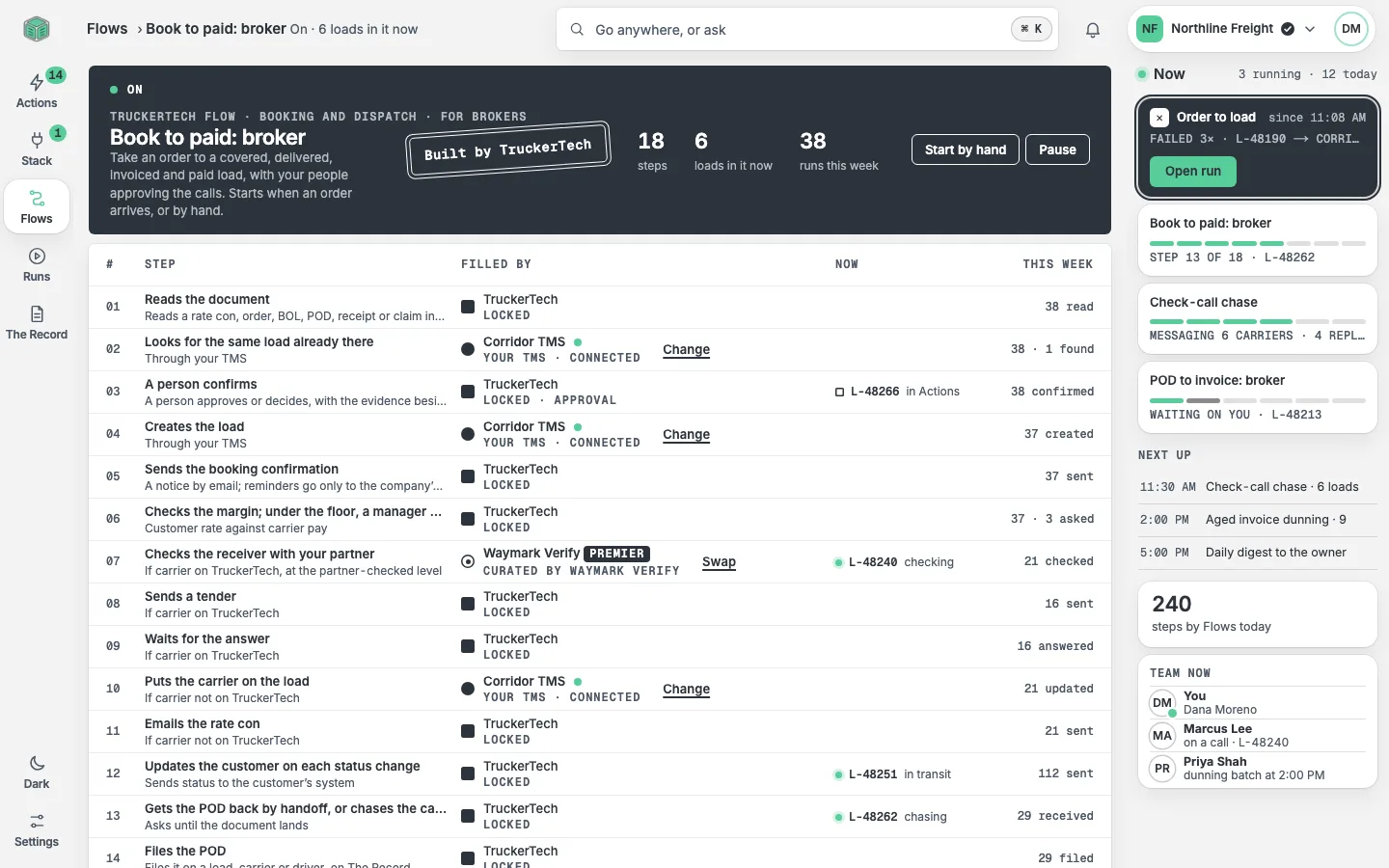
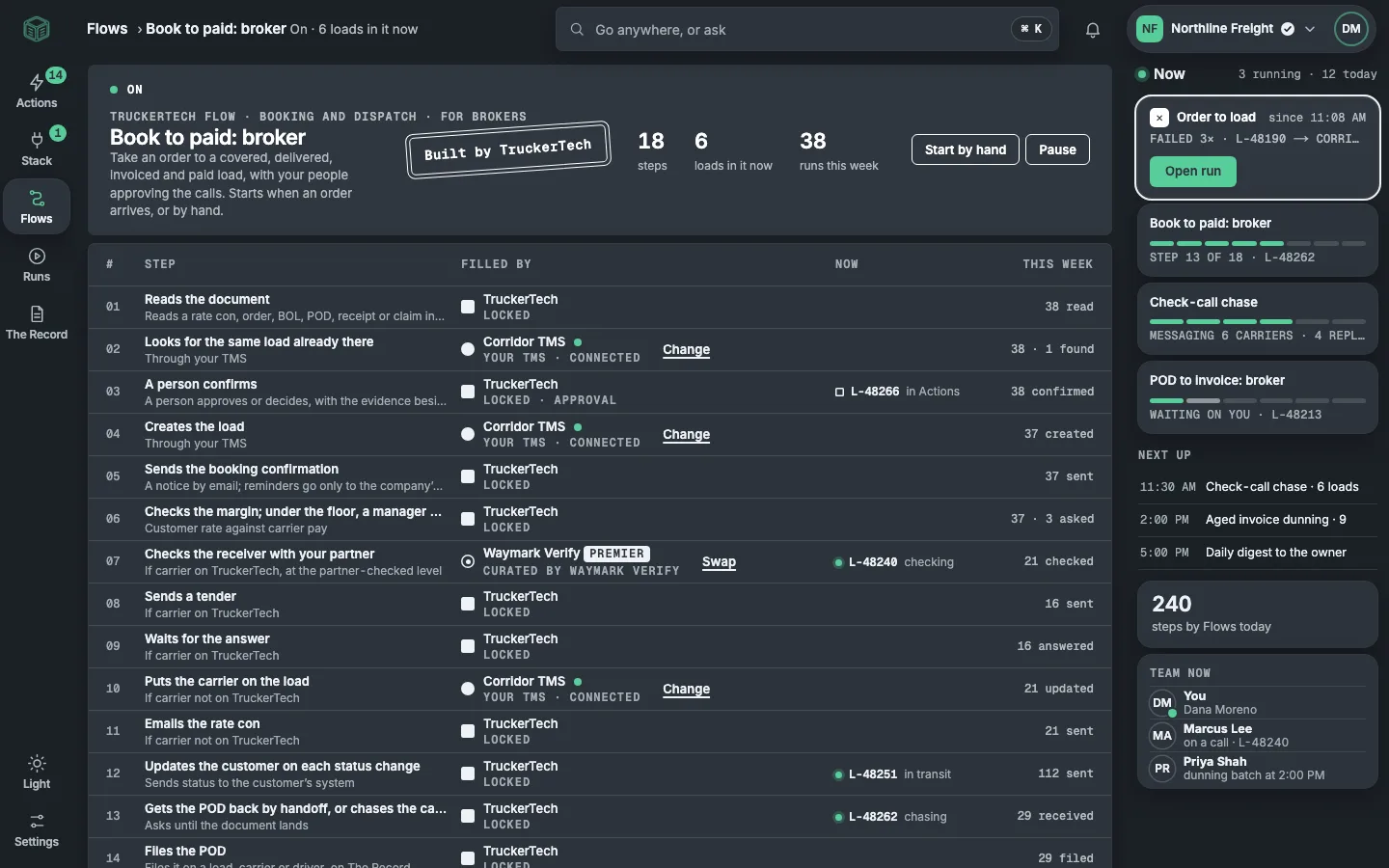
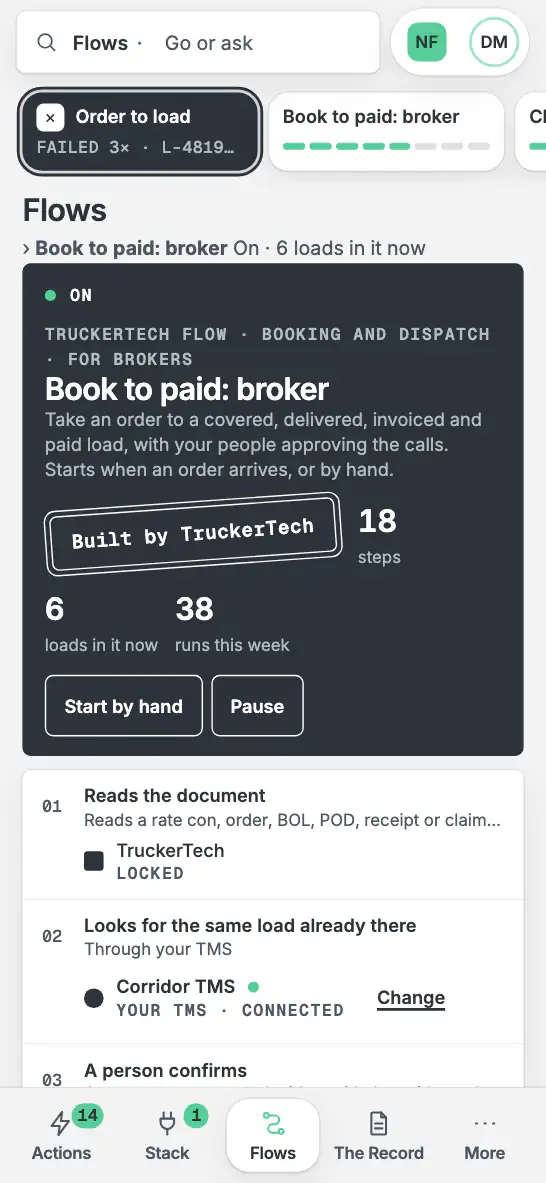
Example: Book to paid: broker, as the app shows a Flow
Other Flows in this groupBilling and payments
05Send invoices to your factorInvoices reach your factor the day they’re ready, with a person signing off.