Flows · Booking and dispatch
Book to paid: broker.
Take an order to a covered, delivered, invoiced and paid load, with your people approving the calls.
- An order arrivesStarts it
- 1Reads the document
Read a document


- 2Looks for the same load already there
Find a duplicate load
Your TMSreads our records until connected - 3A person confirms
Approve or decide
you approve - 4Creates the load
Create the load
Your TMSby hand until connected - 5Sends the booking confirmation
Send an email
- 6Checks the margin; under the floor, a manager approves
Check the margin
- 7Checks the receiver with your partner
Check the receiver with your partner
Your carrier check partnerholds until connected - 8Sends a tender
Send a tender
- 9Waits for the answer
Wait for the answer
- 10Puts the carrier on the load
Update a load
Your TMSby hand until connected - 11Emails the rate con
Send an email
- 12Updates the customer on each status change
Send a webhook
- 13Gets the POD back by handoff, or chases the carrier for it
Chase a document
- 14Files the POD
File a document
- 15Builds the invoice packet
Build the invoice packet
- 16A person checks the packet
Approve or decide
you approve - 17Sends it to the customer
Send the invoice packet by email
- 18Reads the payment status
Read payment status
Your factorby hand until connected
Thirteen steps are ours. Five are yours to connect.
Until your TMS, Carrier ID and Factoring are connected, those steps come to Actions with the load filled in. Do them, tap done, and the Flow carries on.
Loads, stops, rates and tenders
A partner's risk signals on a carrier
Invoice funding and credit approvals
One load, from the order to the payment, without the retyping.
Swap a partner, keep the Flow.
Each step takes any system of its kind. Change a system later and this Flow keeps running the same way. Want it different? Change any step, or build your own from the same tasks.
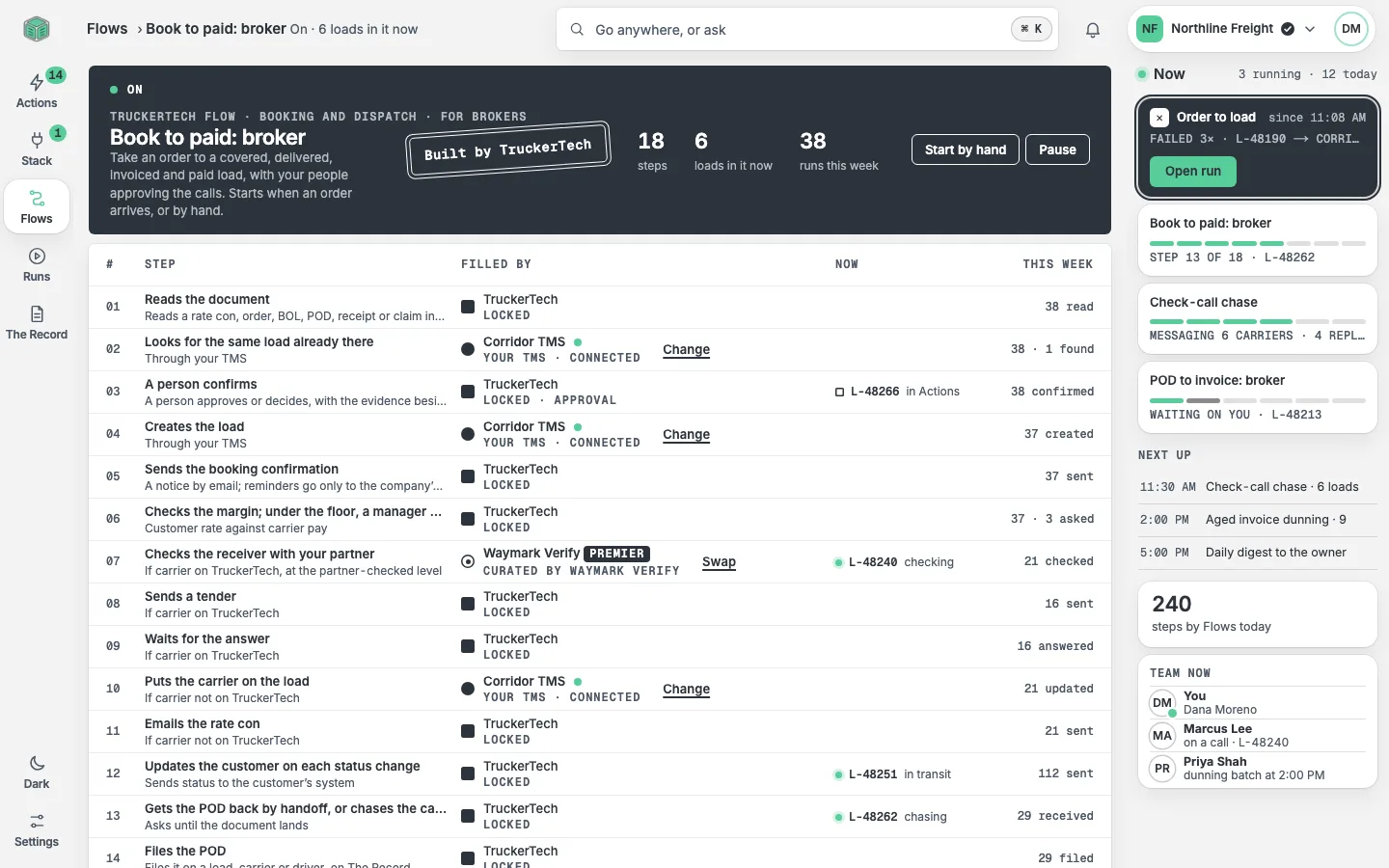
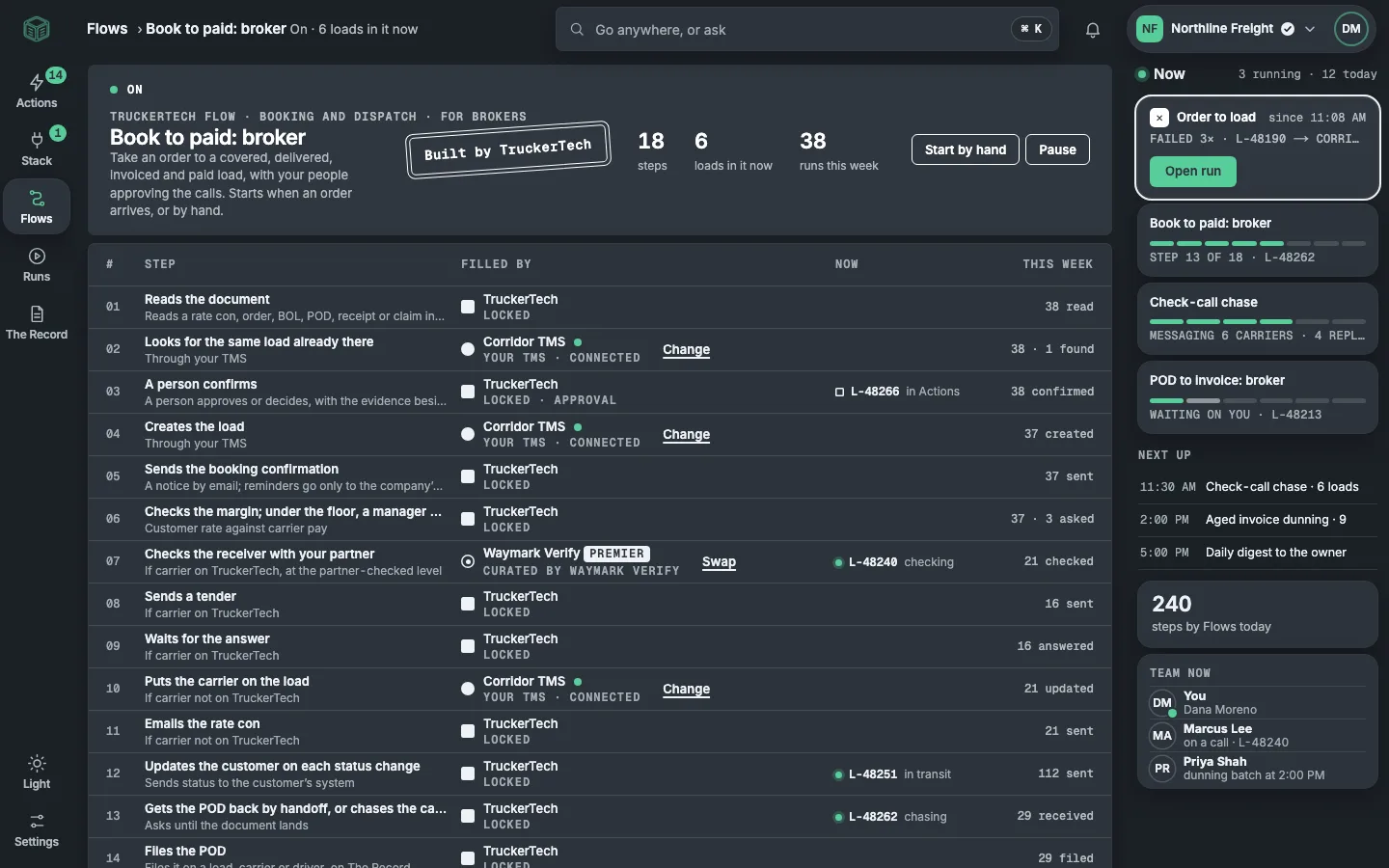
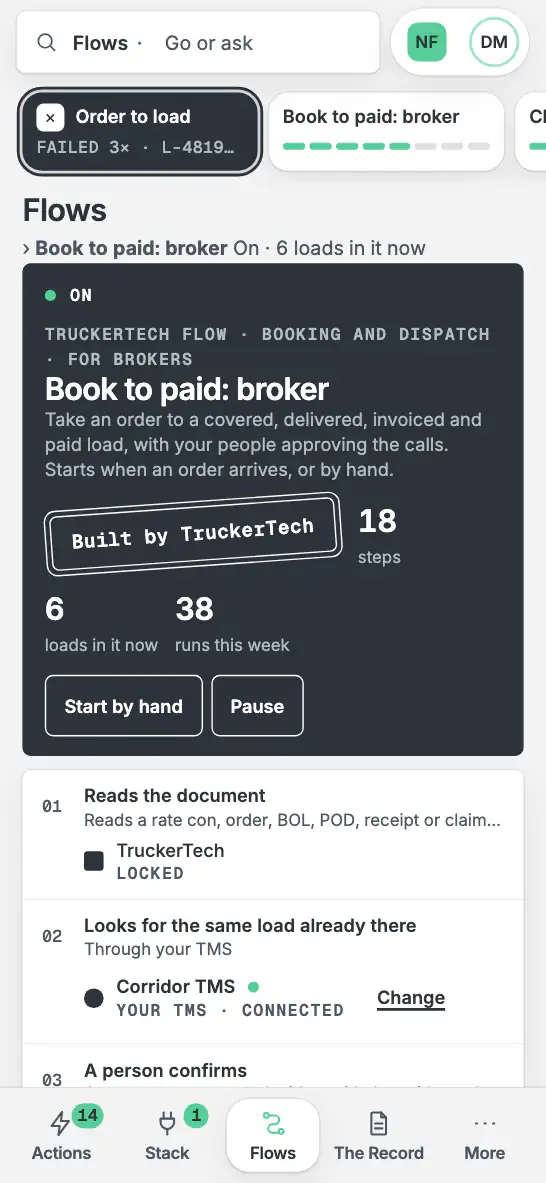
Example: Book to paid: broker, as the app shows a Flow