Flows · Booking and dispatch
Book to paid: carrier.
From a booked load to a paid invoice: dispatch, broker updates, the POD, the packet and your factor.
- A load is booked: a TMS event, a tender accepted, or Rate con to load finishedStarts it
- 1Suggests drivers
Suggest drivers
Your ELDby hand until connected - 2The dispatcher picks
Approve or decide

 you approve
- 3Assigns the driver
Assign the driver
Your TMSby hand until connected - 4Texts the driver the load
Send a text
- 5Updates the broker on each stage change
Share status and the POD
- 6Chases the POD from the driver
Chase a document
- 7Files the POD
File a document
- 8Builds the packet
Build the invoice packet
- 9A person checks it
Approve or decide
you approve - 10Sends it by email
Send the invoice packet by email
- 11Sends it to your factor
Send to your factor
Your factorby hand until connected - 12Reads the payment status
Read payment status
Your factorby hand until connected
Eight steps are ours. Four are yours to connect.
Until your Telematics and ELD, TMS and Factoring are connected, those steps come to Actions with the load filled in. Do them, tap done, and the Flow carries on.
Truck location and hours of service
Loads, stops, rates and tenders
Invoice funding and credit approvals
Every booked load gets a driver, a POD and an invoice.
Swap a partner, keep the Flow.
Each step takes any system of its kind. Change a system later and this Flow keeps running the same way. Want it different? Change any step, or build your own from the same tasks.
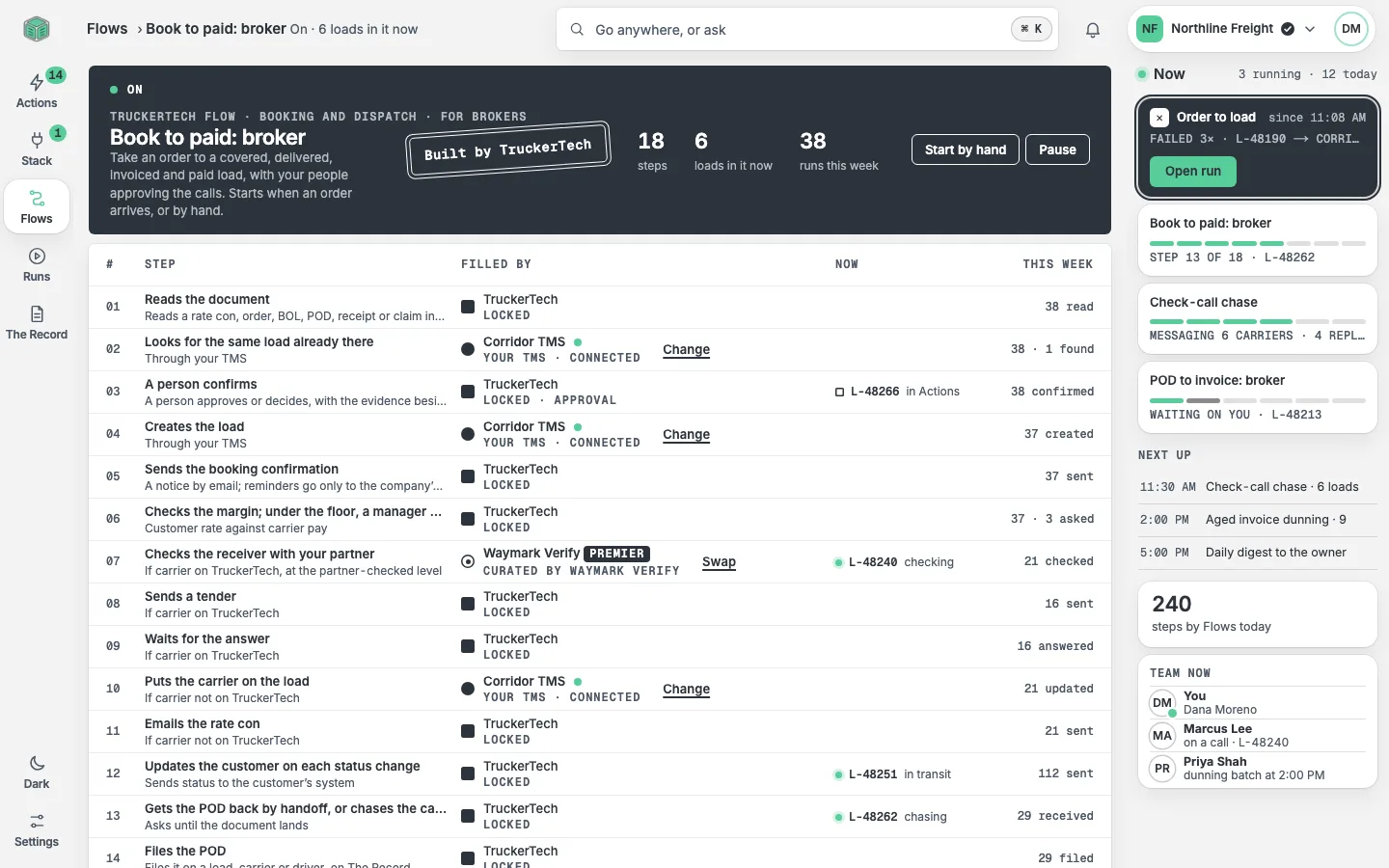
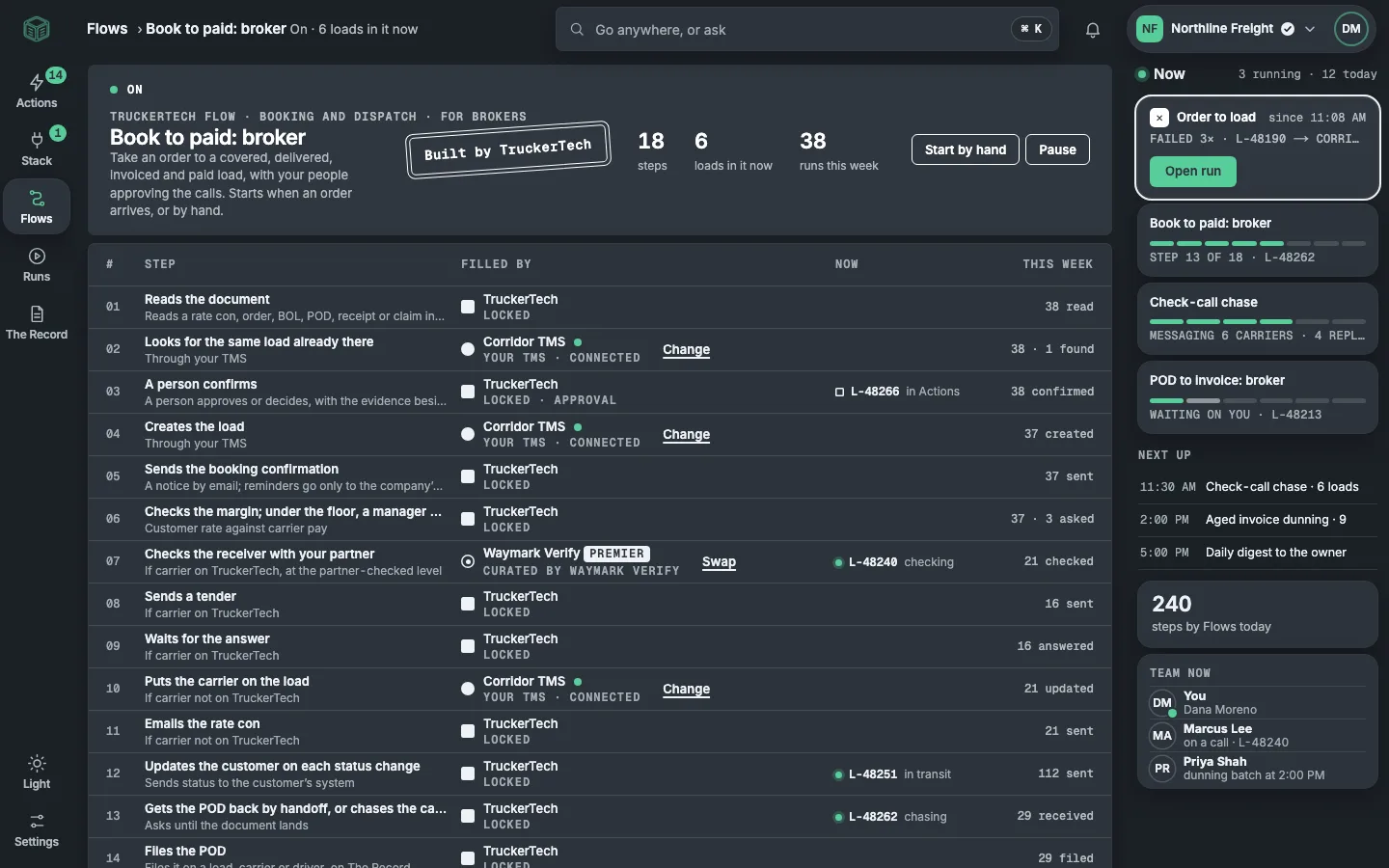
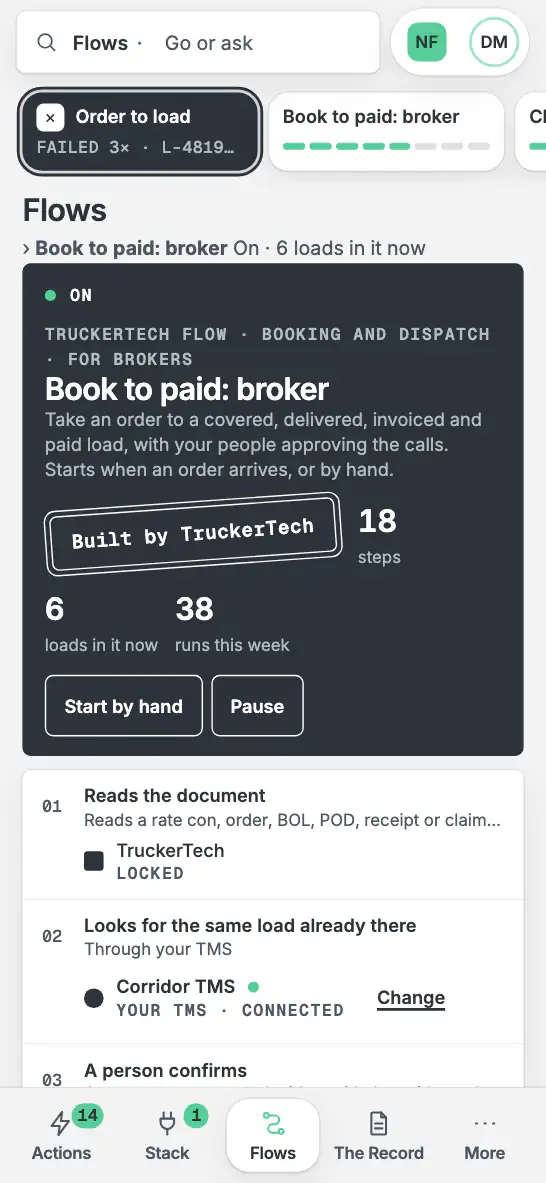
Example: Book to paid: broker, as the app shows a Flow