Flows · Documents and claims
Cargo claim follow-up.
Follow a claim with your insurer and chase what’s still missing.
What happens, in orderSteps
Built by TruckerTech
- The claim status changesYour insurer
- 1Checks which documents are missing
Compare


- 2Sends Requests
Send Requests
- 3Tells the claims owner
Send an email
Works on day one. Connect a partner and these steps run themselves.[3 of 3 automatic today]
Three steps, all ours.
Until your Insurance claims is connected, those steps come to Actions with the load filled in. Do them, tap done, and the Flow carries on.
Insurance claims
See who fills itWhere a claim stands with the insurer
What you get
Claims don’t stall waiting on paperwork nobody asked for.
Swap a partner, keep the Flow.
Each step takes any system of its kind. Change a system later and this Flow keeps running the same way. Want it different? Change any step, or build your own from the same tasks.
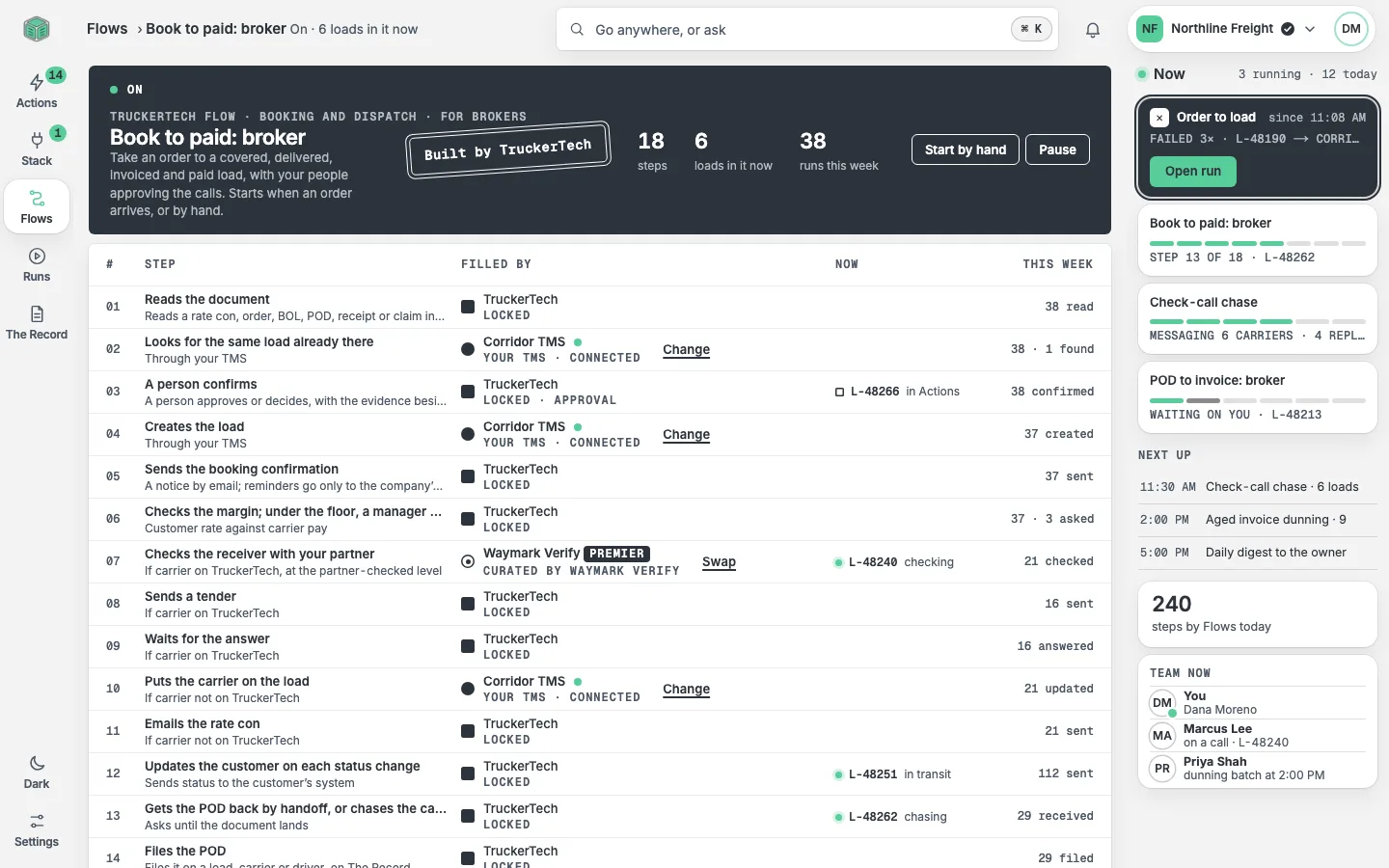
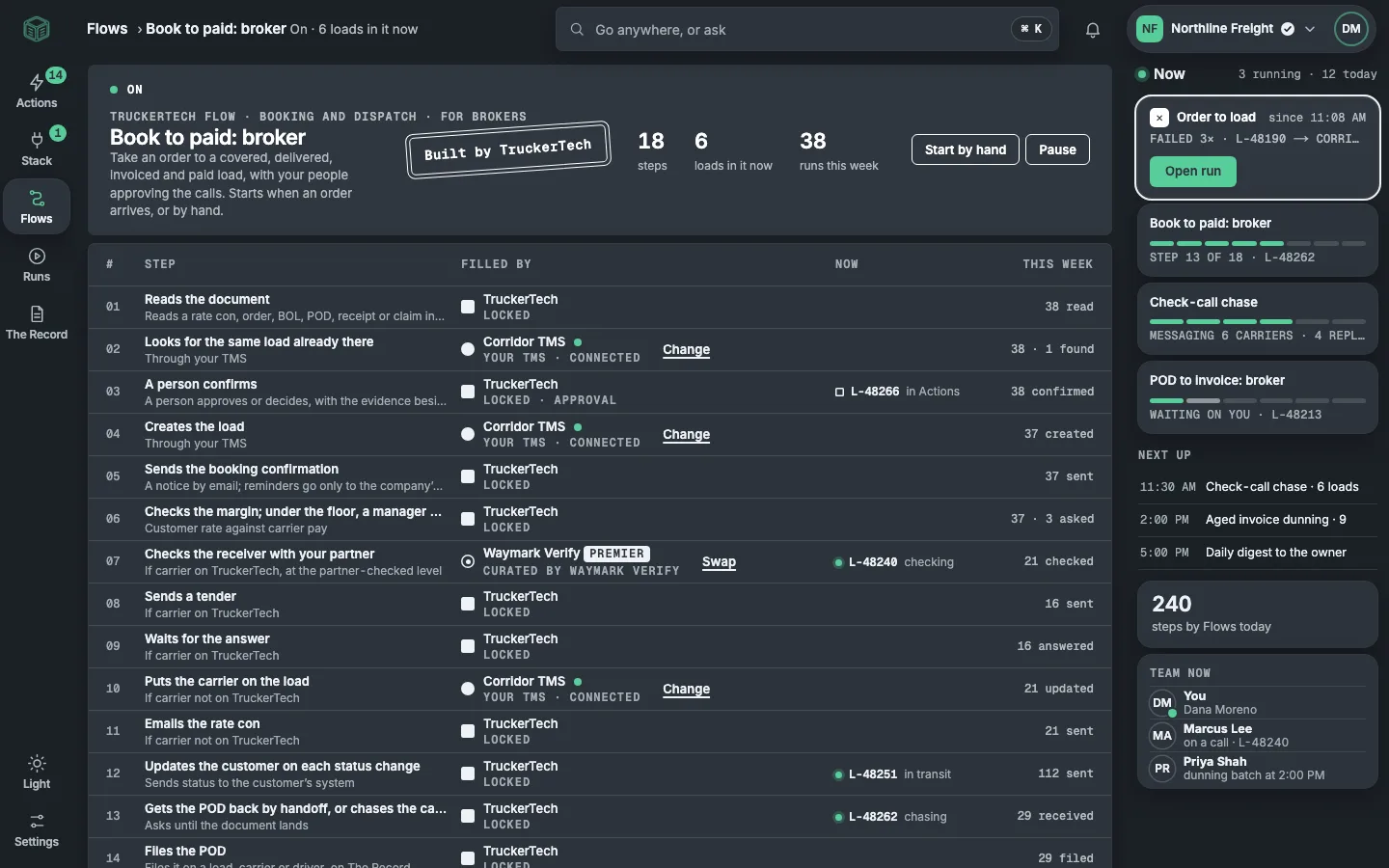
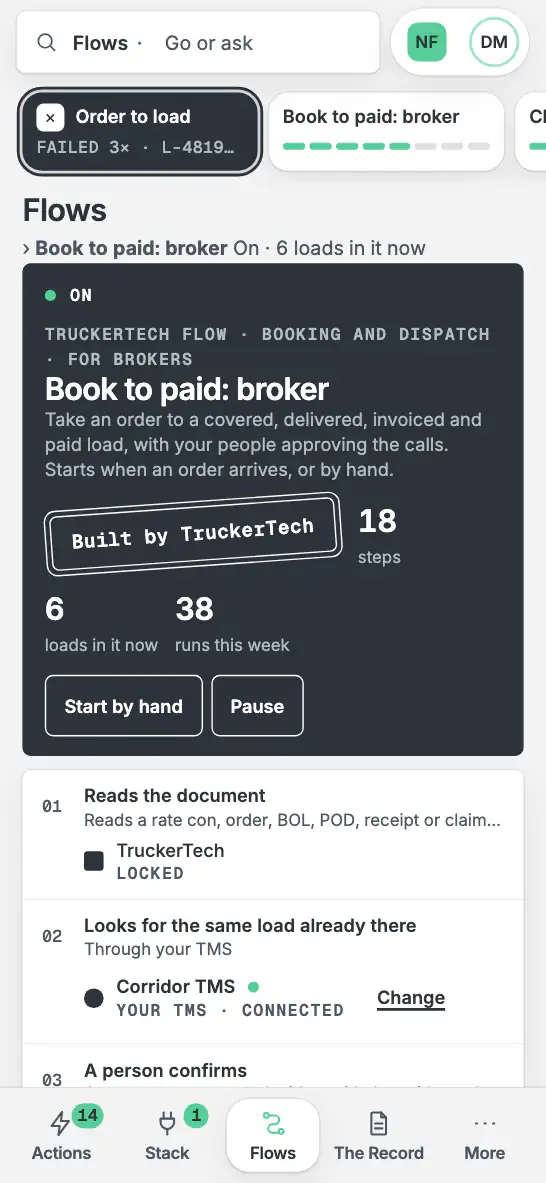
Example: Book to paid: broker, as the app shows a Flow
Other Flows in this groupDocuments and claims