Flows · Documents and claims
Inbox triage.
Sort the shared inbox into orders, rate cons, PODs, COIs, receipts, remit changes and claims, and start the right Flow.
What happens, in orderSteps
Built by TruckerTech
- An email at the loads addressStarts it
- 1Classifies it
Classify an email


- 2Starts the right Flow, or files a POD or COI; unsure goes to Actions
Start another Flow
Works on day one. Connect a partner and these steps run themselves.[2 of 2 automatic today]
Two steps, all ours.
Nothing to connect: TruckerTech does every step.
What you get
The shared inbox gets sorted before anyone opens it.
Swap a partner, keep the Flow.
Each step takes any system of its kind. Change a system later and this Flow keeps running the same way. Want it different? Change any step, or build your own from the same tasks.
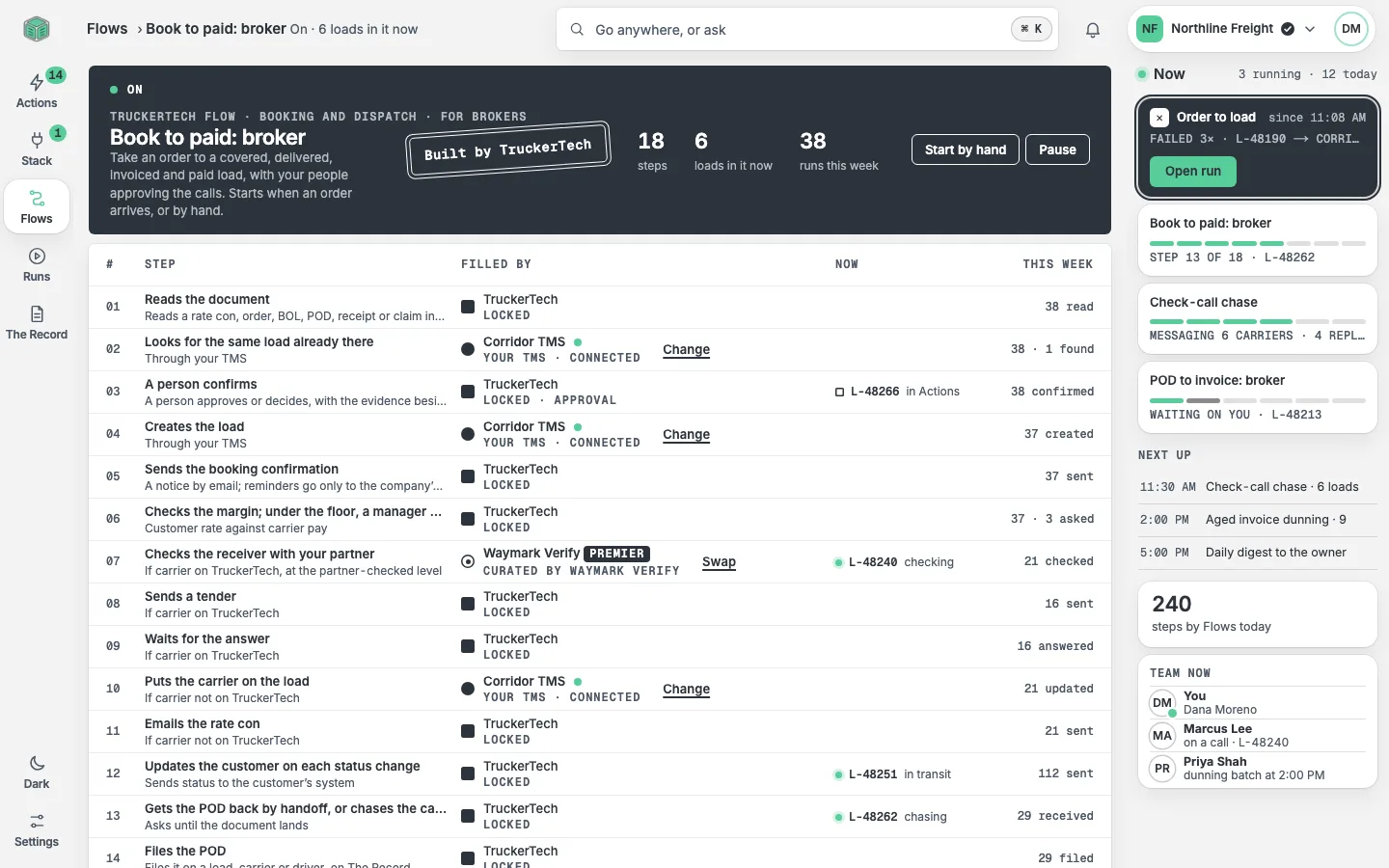
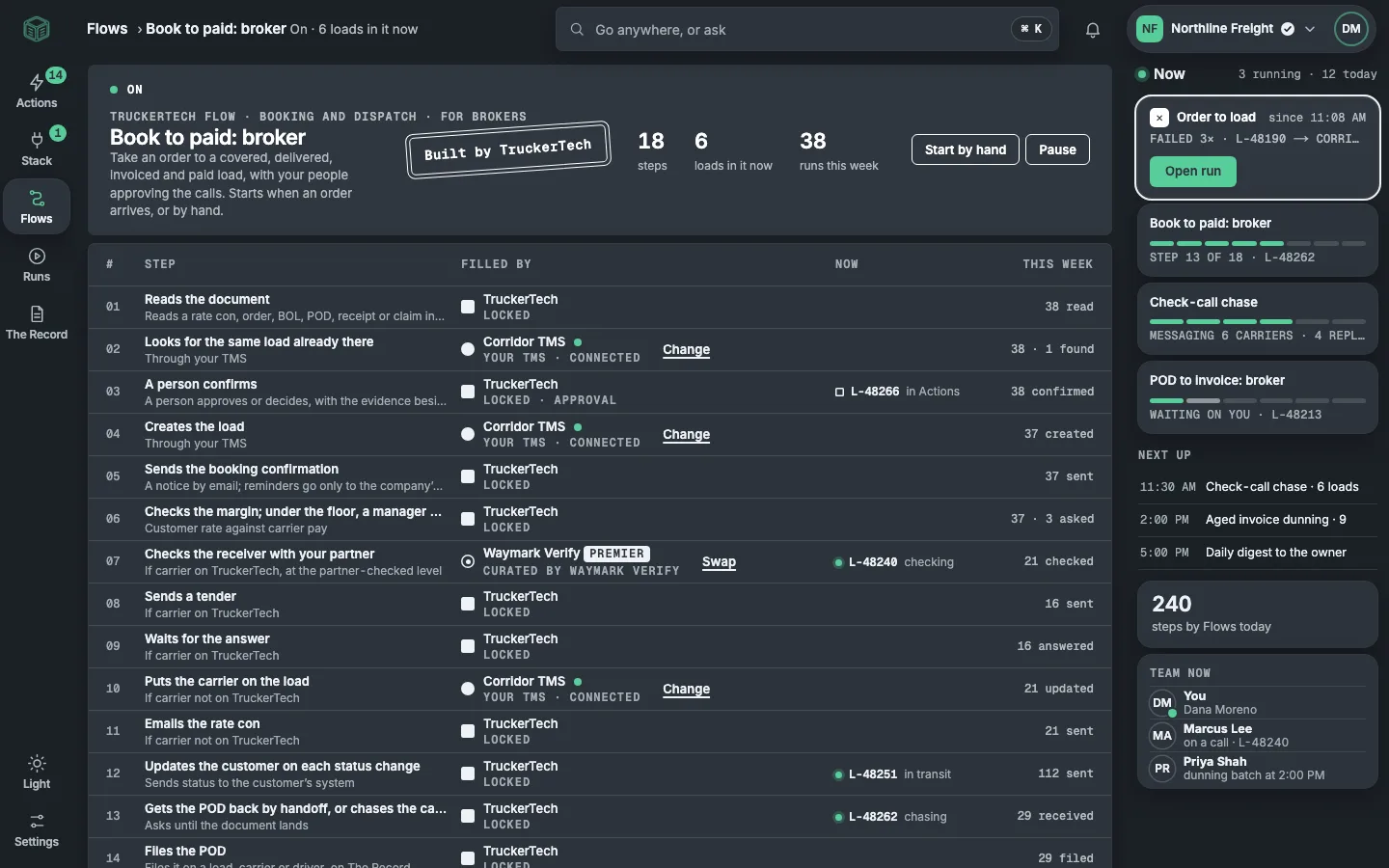
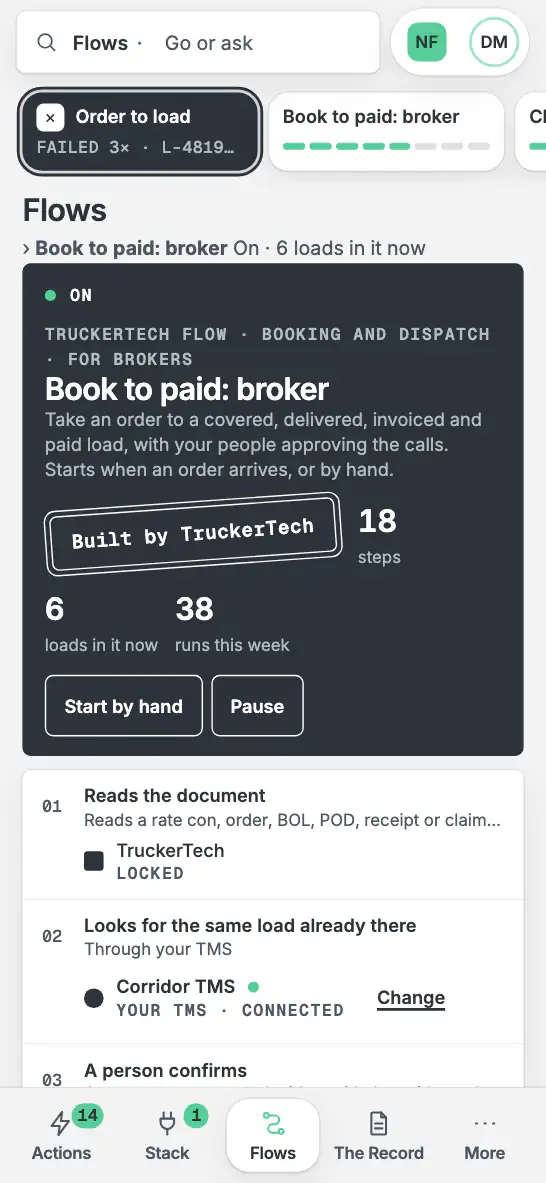
Example: Book to paid: broker, as the app shows a Flow
Other Flows in this groupDocuments and claims