Flows · Drivers, trucks and people
Annual driver review.
Each year, pull the MVR and the Clearinghouse limited query, and put the review in front of safety.
What happens, in orderSteps
Built by TruckerTech
- The review date, from the company’s datesStarts it
- 1Runs the annual MVR and Clearinghouse limited query
Run a driver check
Your screening partnerby hand until connected - 2A safety manager reviews
Approve or decide

 you approve
- 3Files the review
File a document
Works on day one. Connect a partner and these steps run themselves.[2 of 3 automatic today]
Two steps are ours. One is yours to connect.
Until your Driver screening is connected, those steps come to Actions with the load filled in. Do them, tap done, and the Flow carries on.
Driver screening
See who fills itMVR, Clearinghouse, DAC, employment and background
What you get
Every driver’s yearly review gets done on time, with the record to show it.
Swap a partner, keep the Flow.
Each step takes any system of its kind. Change a system later and this Flow keeps running the same way. Want it different? Change any step, or build your own from the same tasks.
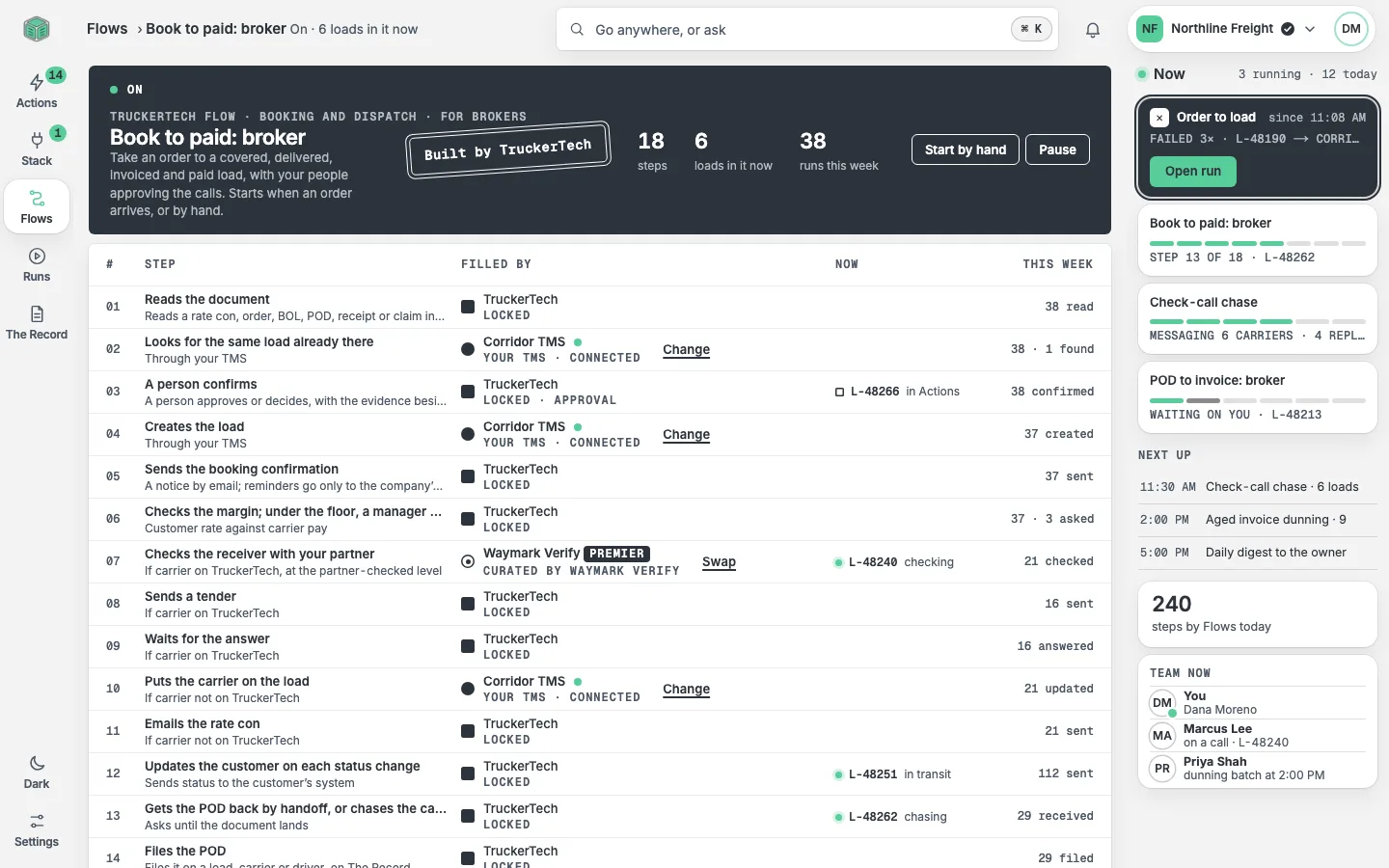
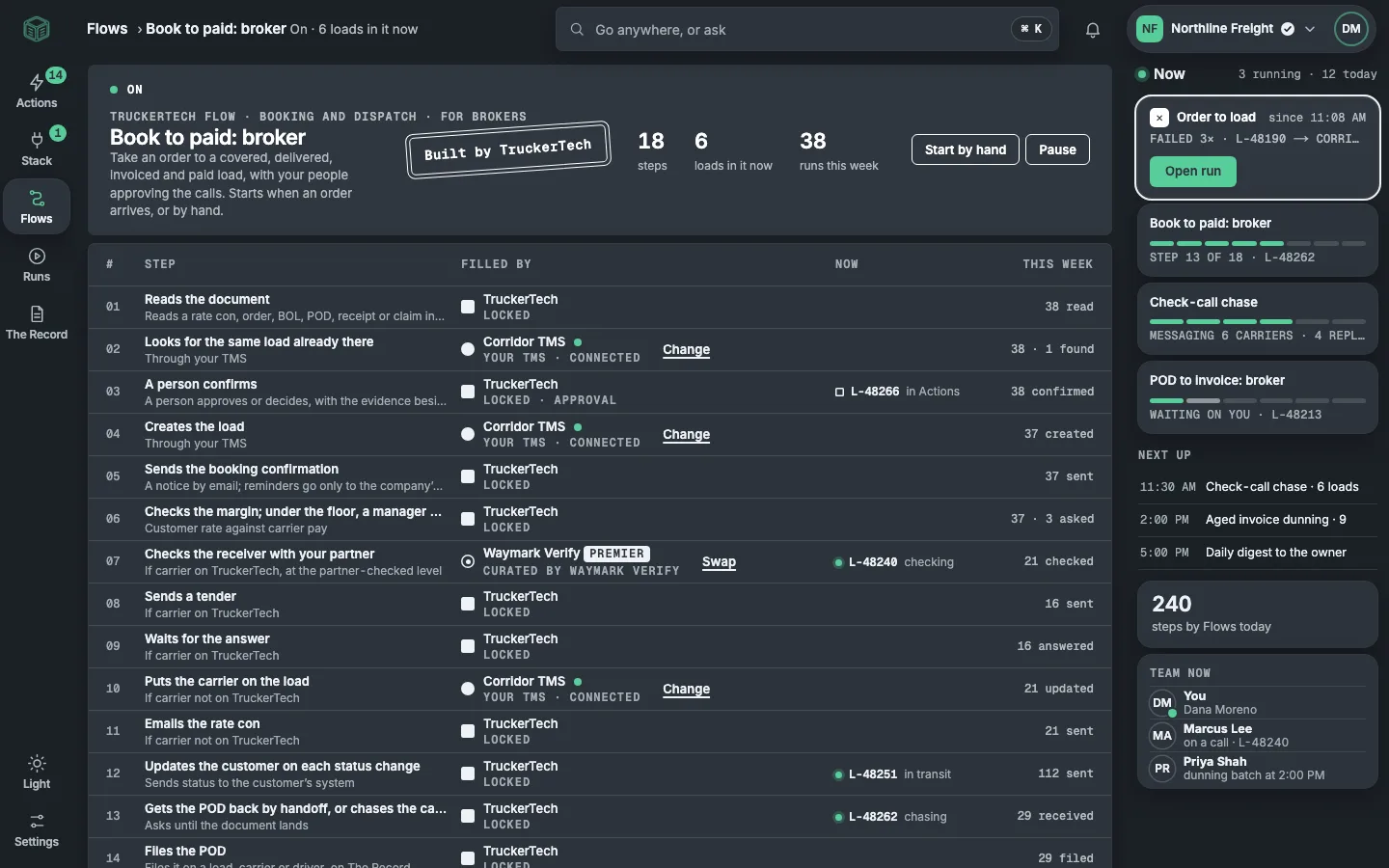
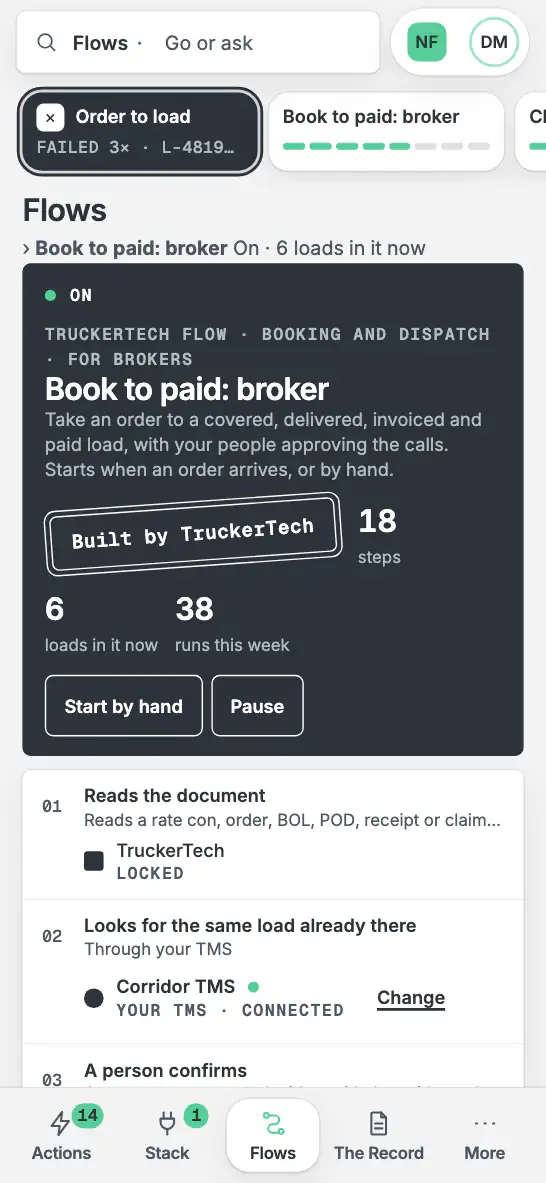
Example: Book to paid: broker, as the app shows a Flow
Other Flows in this groupDrivers, trucks and people
01Driver qualification fileA new driver’s checks run in the right order, with each result on the record.
02New driver setup across your systemsSet a new driver up once, and see any system that doesn’t match.