Flows · Drivers, trucks and people
Driver qualification file.
Get consent, run the pre-hire checks in order and put the results in front of safety.
- On a driverStarts it
- 1Sends the disclosures and consents to sign
Send for signature
Your e-signatureby hand until connected - 2Runs the MVR
Run a driver check
Your screening partnerby hand until connected - 3Runs the Clearinghouse full query
Run a driver check
Your screening partnerby hand until connected - 4Checks employment history
Run a driver check
Your screening partnerby hand until connected - 5Checks past employers
Run a driver check
Your screening partnerby hand until connected - 6Runs the background check
Run a driver check
Your screening partnerby hand until connected - 7Waits for a negative pre-employment drug test
Run a driver check
Your screening partnerby hand until connected - 8A safety manager approves
Approve or decide

 you approve
- 9Tells the recruiter the status only
Send an email
Two steps are ours. Seven are yours to connect.
Until your Recruiting, Documents and e-signature and Driver screening are connected, those steps come to Actions with the load filled in. Do them, tap done, and the Flow carries on.
Driver applicants and where they stand
Paperwork status and signatures
MVR, Clearinghouse, DAC, employment and background
A new driver’s checks run in the right order, with each result on the record.
Swap a partner, keep the Flow.
Each step takes any system of its kind. Change a system later and this Flow keeps running the same way. Want it different? Change any step, or build your own from the same tasks.
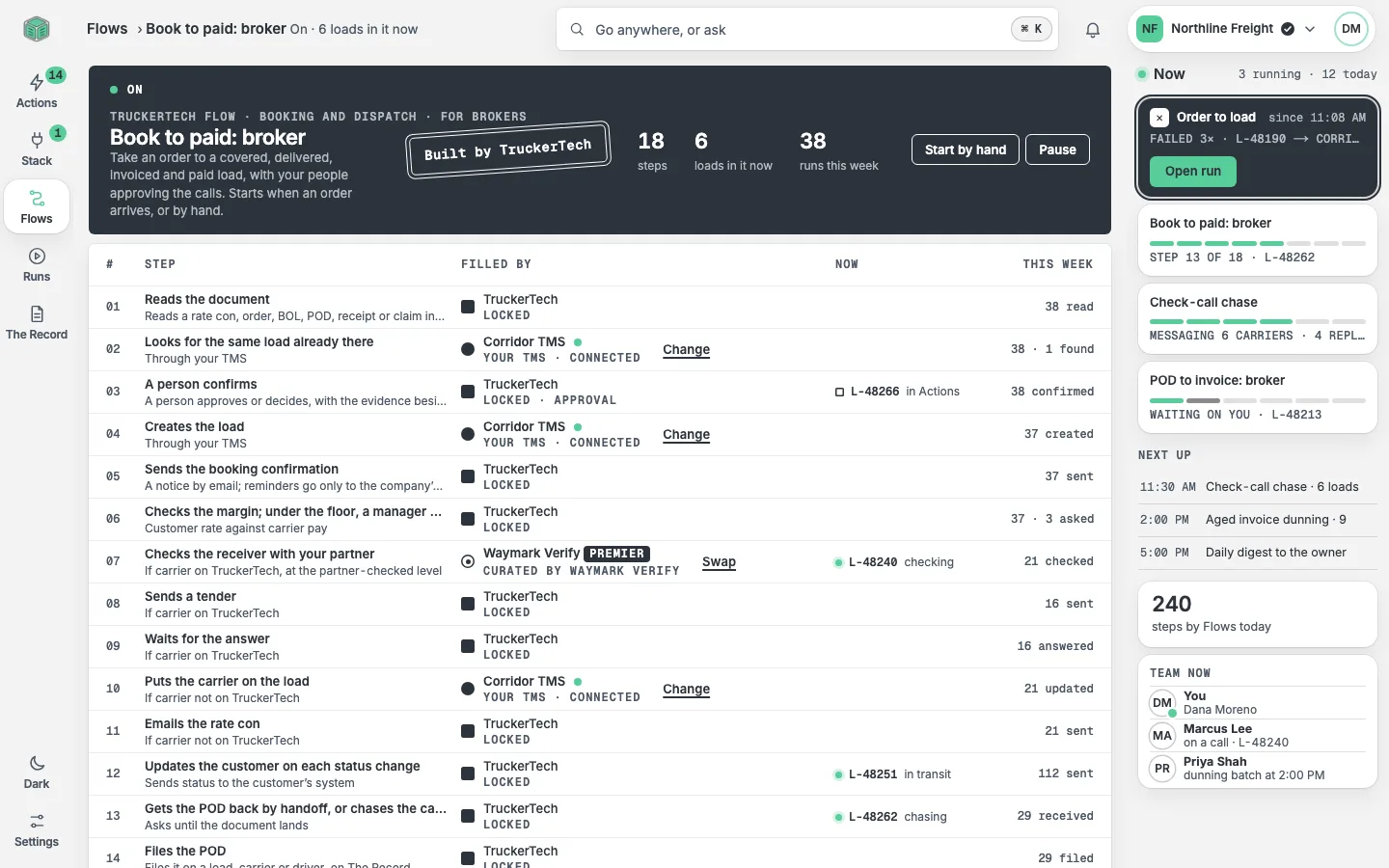
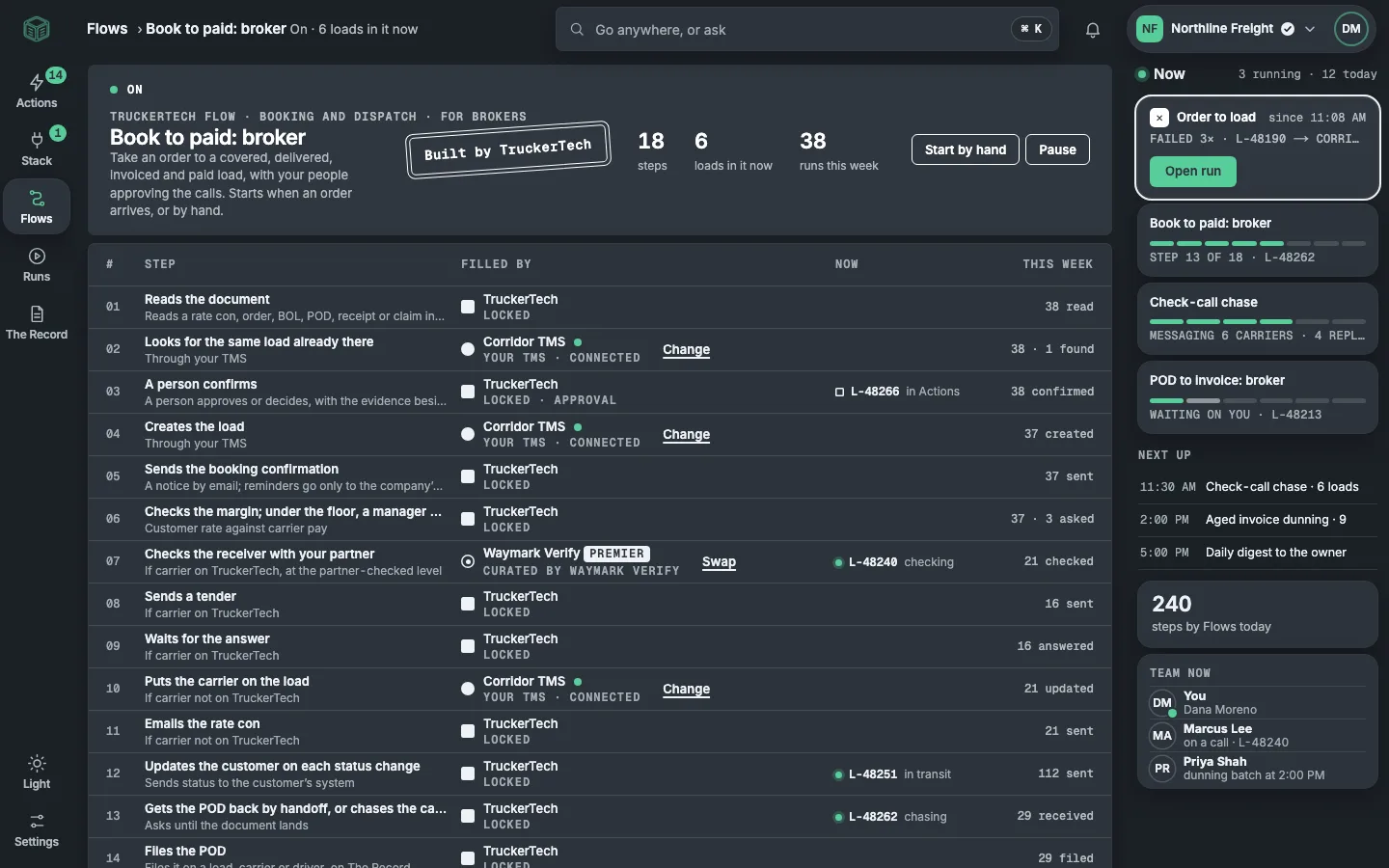
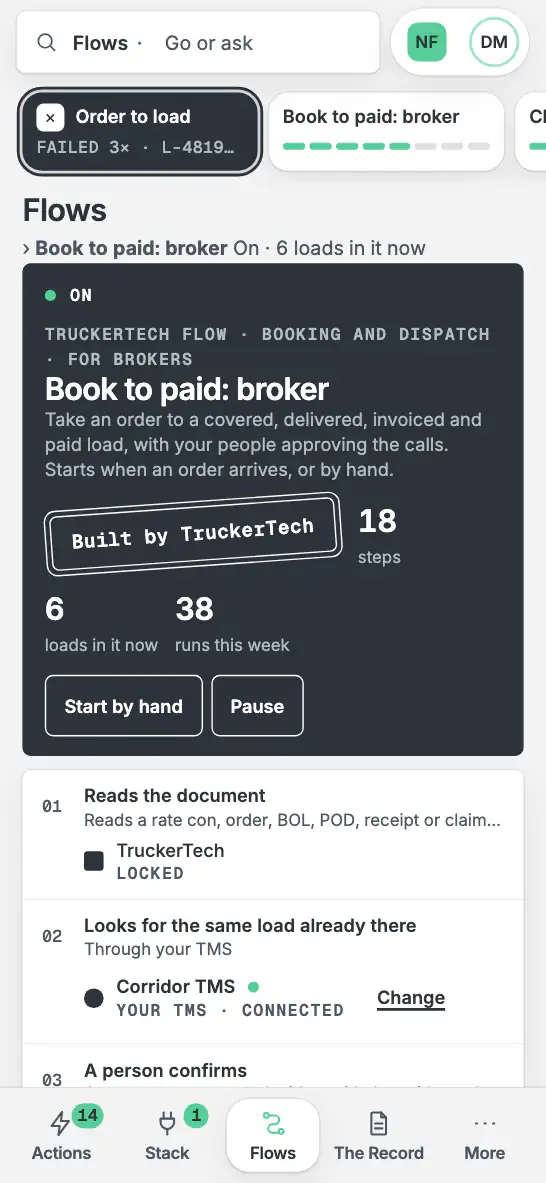
Example: Book to paid: broker, as the app shows a Flow