Day ZeroOpenSet up before launch.How Day Zero worksHow it works

Flows · Drivers, trucks and people

DVIR defect to repair.

Triage a defect from a driver’s inspection, get the repair approved and signed off.

ForCarriers
StartsA defect is reported
Steps7, plus the start
What happens, in orderSteps
Built by TruckerTech
  1. A defect is reported
    Your shop systemor by hand
  2. 1
    Reads the inspection

    Read a vehicle inspection

    Your shop systemby hand until connected
  3. 2
    A person decides if the truck can run

    Approve or decide

    TruckerTechTruckerTechyou approve
  4. 3
    Tells dispatch if it’s down

    Send an email

    TruckerTechTruckerTech
  5. 4
    Opens a work order

    Work order, parts or sign-off

    Your shop systemby hand until connected
  6. 5
    A person approves the estimate

    Approve or decide

    TruckerTechTruckerTechyou approve
  7. 6
    Orders parts

    Work order, parts or sign-off

    Your shop systemby hand until connected
  8. 7
    Records the sign-off

    Work order, parts or sign-off

    Your shop systemby hand until connected
Works on day one. Connect a partner and these steps run themselves.[3 of 7 automatic today]

Three steps are ours. Four are yours to connect.

Until your Maintenance and Telematics and ELD are connected, those steps come to Actions with the load filled in. Do them, tap done, and the Flow carries on.

Maintenance

Inspections, work orders and parts

See who fills it
Telematics and ELD

Truck location and hours of service

See who fills it
What you get

A defect on a DVIR becomes a work order the day it’s written up.

Swap a partner, keep the Flow.

Each step takes any system of its kind. Change a system later and this Flow keeps running the same way. Want it different? Change any step, or build your own from the same tasks.
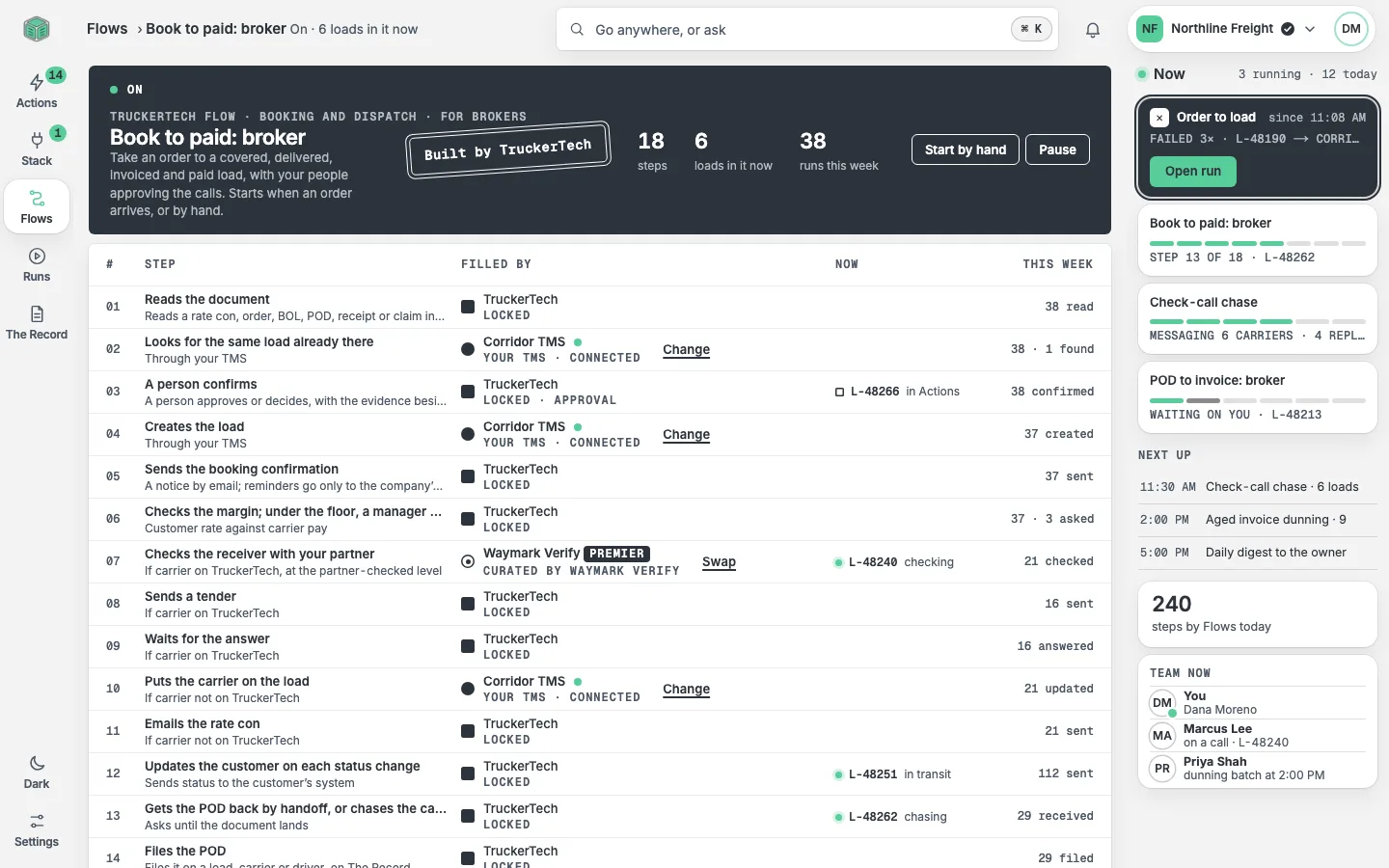
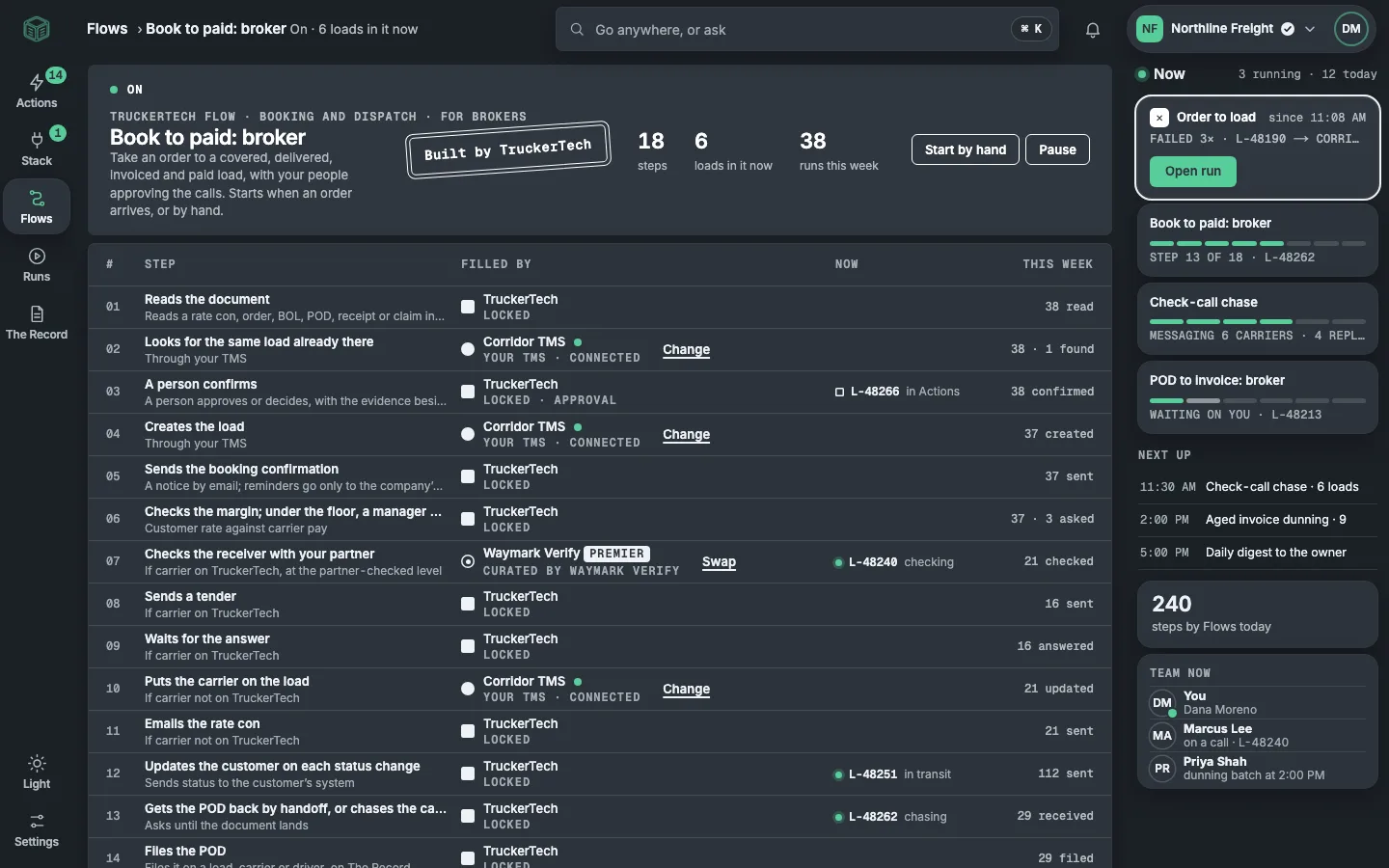
An example Flow in the TruckerTech app, Book to paid: broker: its steps as ruled rows, with who fills each oneAn example Flow in the TruckerTech app, Book to paid: broker: its steps as ruled rows, with who fills each one
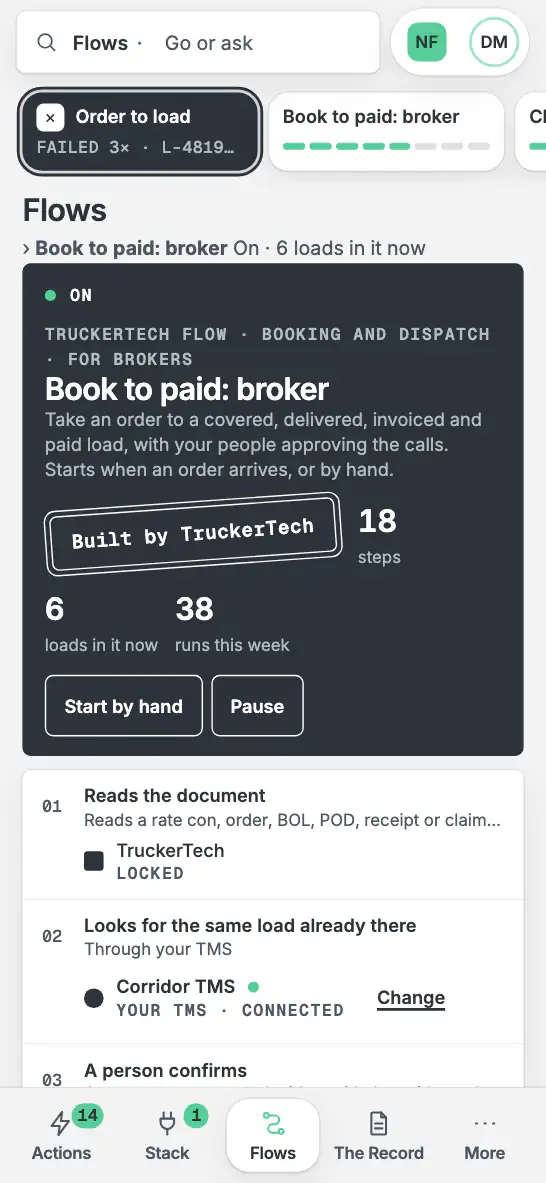
One Flow on a narrow screen: its steps and who fills each one

Example: Book to paid: broker, as the app shows a Flow

Other Flows in this groupDrivers, trucks and people
01Driver qualification fileA new driver’s checks run in the right order, with each result on the record.
02New driver setup across your systemsSet a new driver up once, and see any system that doesn’t match.
03Annual driver reviewEvery driver’s yearly review gets done on time, with the record to show it.
04Driver offboardingTurn a driver off once, and see any system still showing them active.
05New office hire setupSet a new hire up once, and see any system that doesn’t match.
06Office offboardingAccess goes away the day someone leaves, and you see anything still open.