Flows · Drivers, trucks and people
New driver setup across your systems.
After safety approves a driver, add them to each connected system with one sign-off, then check that every system agrees.
- A hire is confirmedYour recruiting systemor by hand
- 1Confirms the driver with your partner
Confirm the driver with your partner
Your screening partnerby hand until connected - 2Checks that the screening results are in
Run a driver check
Your screening partnerby hand until connected - 3Checks the file
Compare


- 4Sends the onboarding packet to sign
Send for signature
Your e-signatureby hand until connected - 5One approval
Approve or decide
you approve - 6Adds the driver to your TMS
Add a driver to a system
Your TMSby hand until connected - 7Adds the driver to your ELD
Add a driver to a system
Your ELDby hand until connected - 8Adds the fuel card
Add a driver to a system
Your fuel cardby hand until connected - 9Adds the driver to your insurance
Add a driver to a system
Your insurerby hand until connected - 10Adds the driver to training
Add a driver to a system
Your training systemby hand until connected - 11Compares the driver across systems
Compare across systems
- 12Tells dispatch and safety
Send an email
Four steps are ours. Eight are yours to connect.
Until your Recruiting, Driver screening, Documents and e-signature, TMS, Telematics and ELD, Fuel and tolls, Insurance claims and Driver training are connected, those steps come to Actions with the load filled in. Do them, tap done, and the Flow carries on.
Driver applicants and where they stand
MVR, Clearinghouse, DAC, employment and background
Paperwork status and signatures
Loads, stops, rates and tenders
Truck location and hours of service
Fuel card buys, fuel prices and toll charges
Where a claim stands with the insurer
Courses and certificates
Set a new driver up once, and see any system that doesn’t match.
Swap a partner, keep the Flow.
Each step takes any system of its kind. Change a system later and this Flow keeps running the same way. Want it different? Change any step, or build your own from the same tasks.
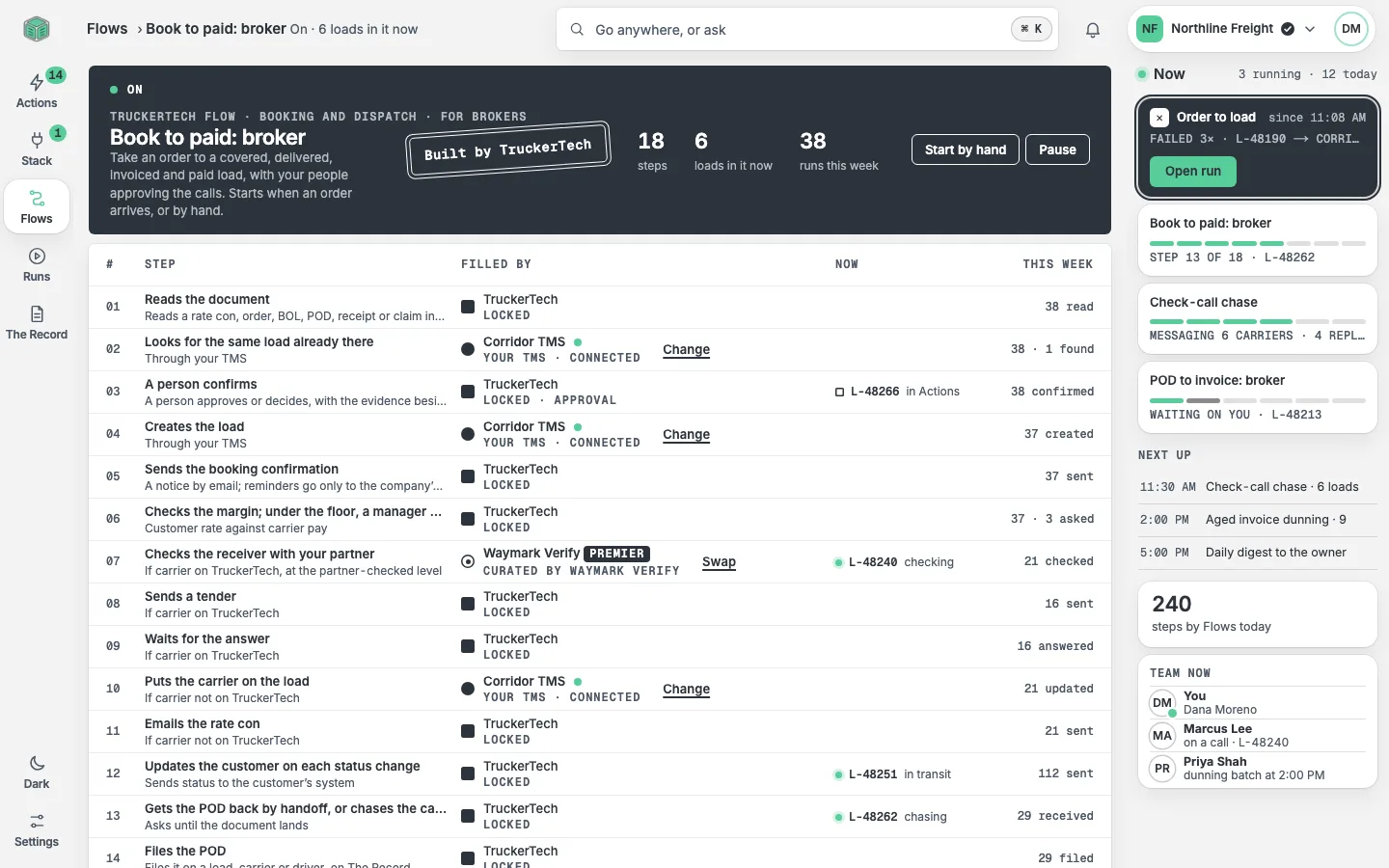
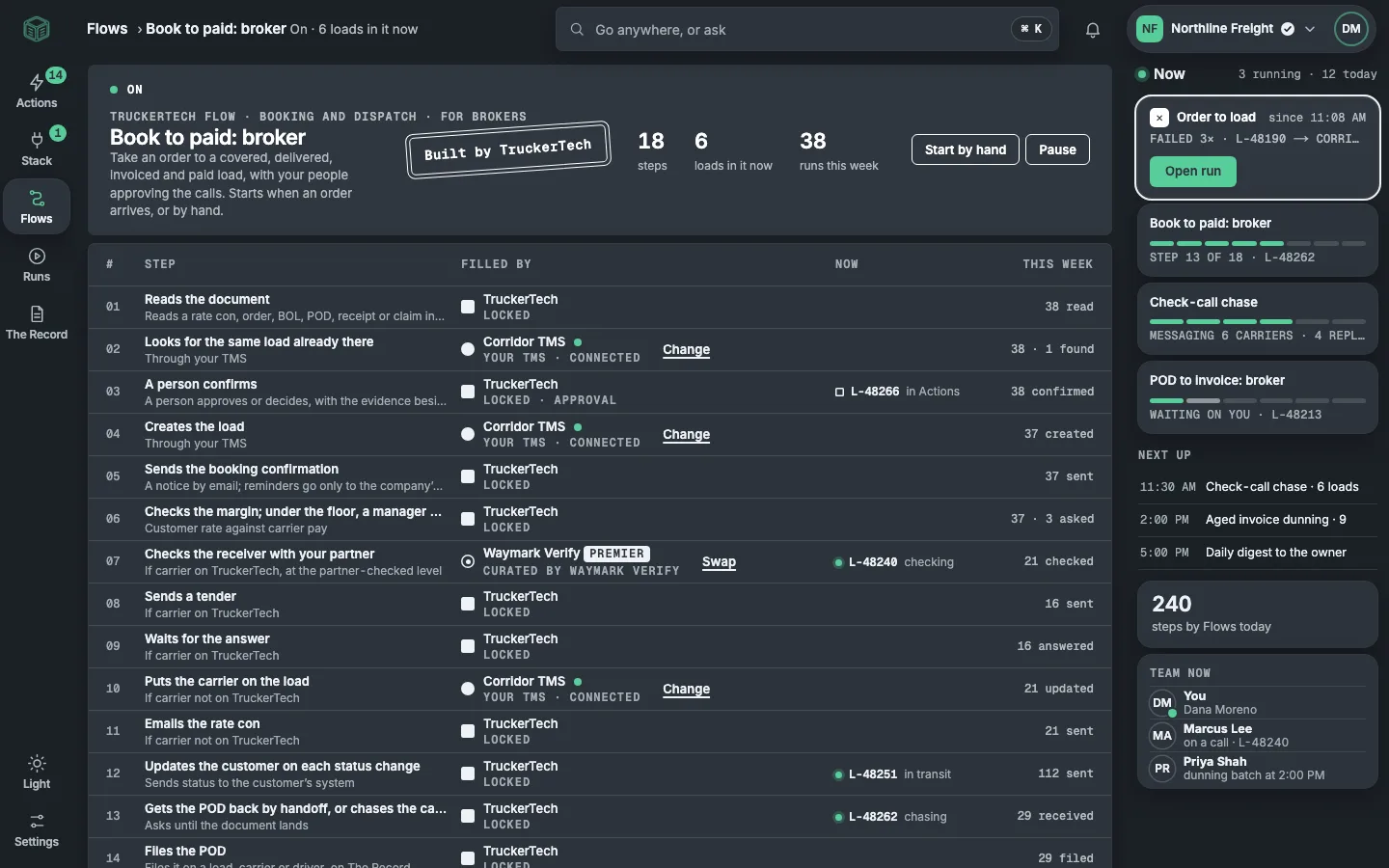
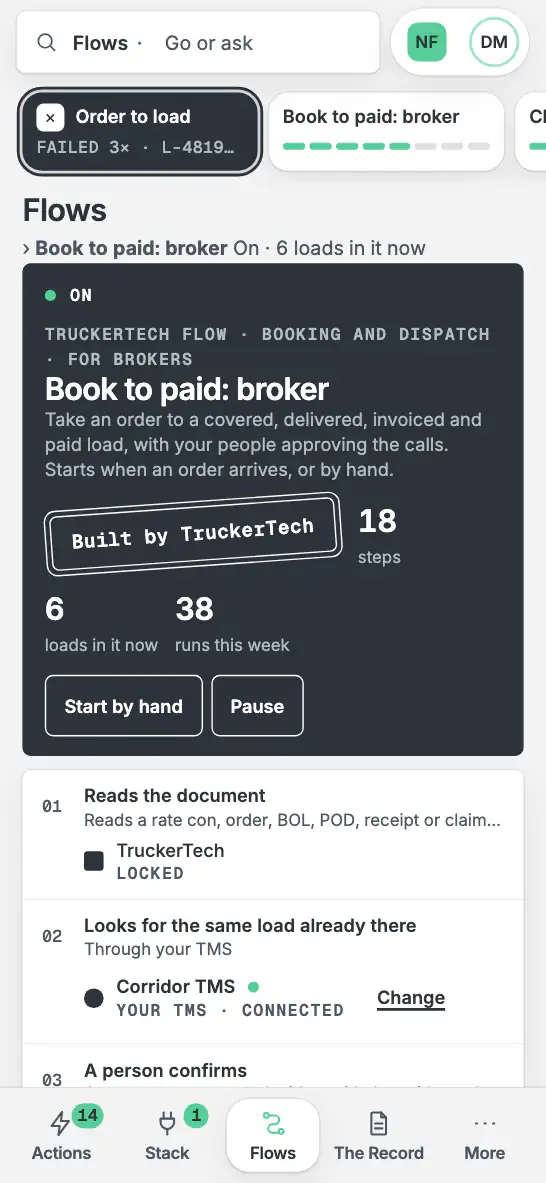
Example: Book to paid: broker, as the app shows a Flow